Real Estate
Real Estate CRM for Property and Project Leads
Capture enquiries from every project page, give each one to an agent who knows the project, and follow up after every site visit until the booking.
The short answer
What should a real estate CRM do?
A real estate CRM should link every buyer enquiry to the project it is about, give it to an agent who knows that project, and keep follow-up on time from first call to site visit to booking. AliveCRM does this with a record per project, an enquiry form per project and a sales team per project.
Property buyers compare several projects at once, and they remember the developer who called back first and followed up after the visit.
Where real estate leads come from
- Project landing pages and the developer website.
- Property portals, usually exported as a list.
- Walk-ins and calls to the site office.
- Channel partners and referrals.
Where they get lost
- Enquiries without a project name, so agents ask again.
- Site visits that happen but are never followed up.
- Agents keeping buyers in their own phones and chats.
How It Works
From Project Enquiry to Booking
The project and the agent stay on the lead at every step.
Projects
Every Enquiry Linked to Its Project
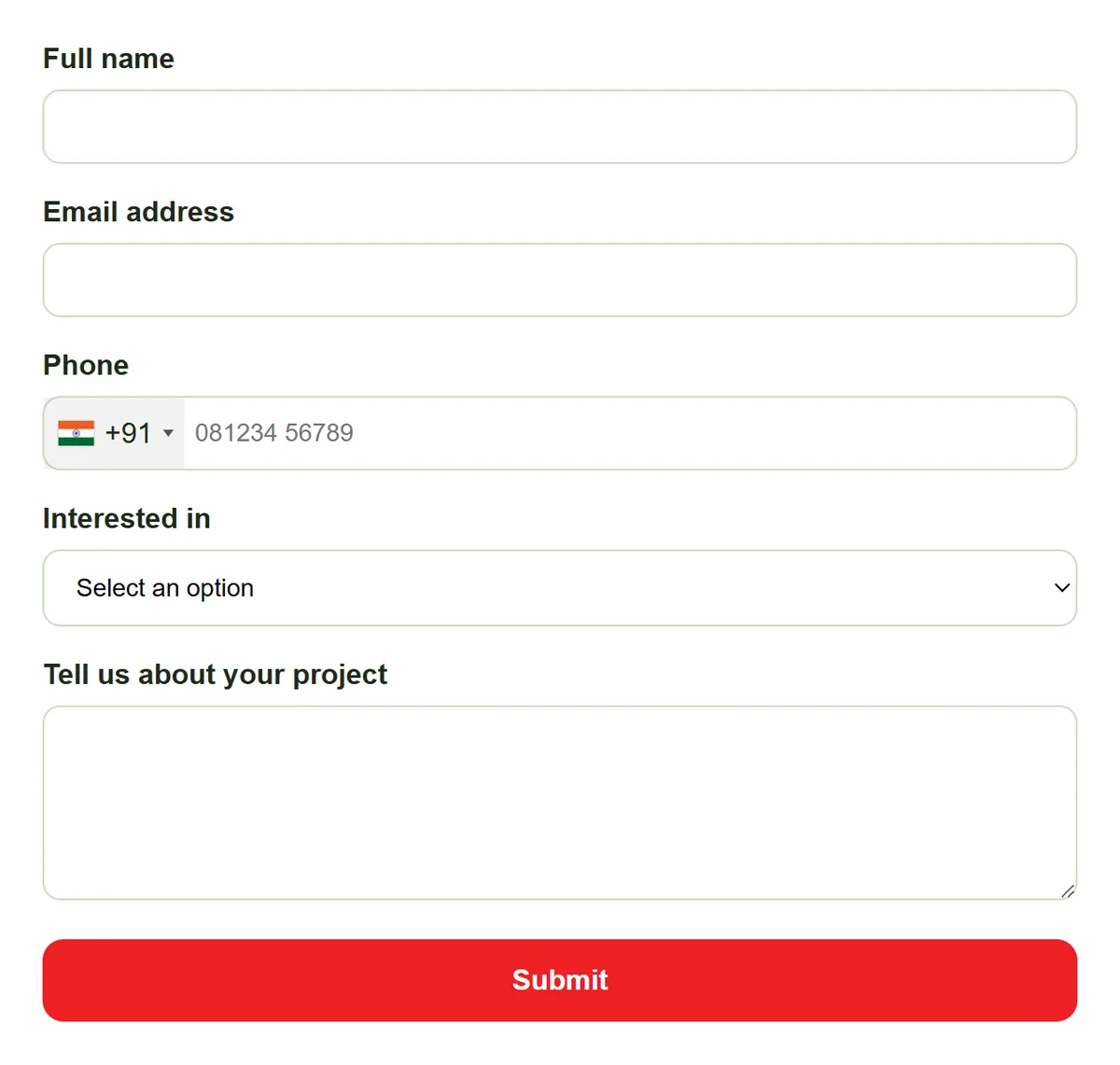
Add each development with its location, builder, category and status, and embed its own enquiry form on the project page. Portal lists and walk-ins go in by CSV import or by hand, linked to the same project.
- A record and form per project
- CSV import for portal lists
- Project shown on every lead
Agents
The Right Agent for Each Project
Set a sales team on each project. With auto-assignment on the Basic plan and above, new enquiries are shared among that team by round-robin, least busy or balanced rules. Reassign by hand when an agent is on leave.
- Team per project
- Fair sharing among agents
- "Self only" so agents see their own buyers
Rahul Sharma
Example Technologies
Visits
Site Visits That Get Followed Up
Move a buyer to a site visit status, and on Advance and Premium add the visit to the shared calendar with colleagues as guests. After the visit, set a reminder (Basic and above) for the follow-up call so no visit goes quiet.
- Site visit as a status
- Calendar events with guests on Advance+
- Reminder after every visit
Rahul Sharma
Example Technologies
Reports
Lead Count per Project and Agent
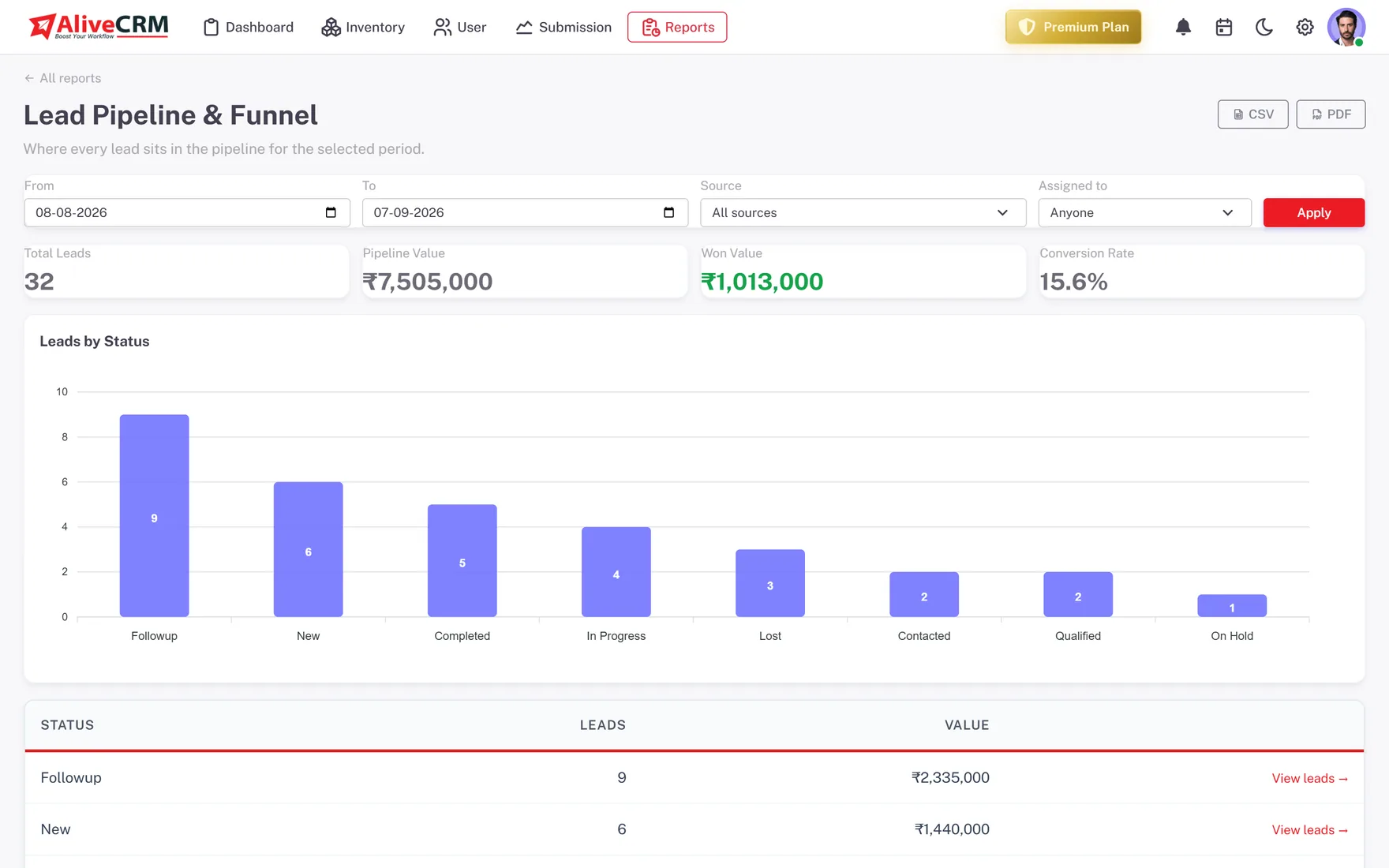
On Advance and Premium, the Project report shows lead count and status per project, and the Sales Rep Performance report ranks agents on leads assigned, won and average response. Every plan has the Lead Pipeline report.
- Leads per project
- Agent leaderboard
- Lead Pipeline report on every plan
An example day
A Day With AliveCRM at a Property Developer
This is an illustration of how a small developer selling two projects might use AliveCRM, not a customer story.
- 9:10 am. A buyer fills in the enquiry form on the Tower B page. The lead is linked to Tower B and goes to the next agent on that project's team.
- 9:18 am. The agent calls from the lead. The call is logged and the response timer stops while it is still under 15 minutes.
- 11:00 am. The sales head imports 40 portal enquiries from a CSV file, linked to Tower B, and shares them across the team.
- 4:30 pm. After a site visit, the agent notes the buyer's budget and sets a reminder to call back on Thursday.
- Friday. The sales head opens the Project report to compare enquiries for both towers before planning next week's ads.
Who It Is For
Real Estate Teams That Use AliveCRM
Developers
Several projects on sale at once, each with its own enquiry form, agent team and lead count in reports.
Brokers
Enquiries across many builders' projects, kept apart so each agent answers questions about the right property.
Channel partner networks
Partner agents get a limited role and "self only" visibility, so they see the buyers they bring and nothing else.
Sales heads
See which projects draw enquiries, which agents reply fastest and where buyers drop out after the site visit.
Honest limits
What AliveCRM Does Not Do for Real Estate
AliveCRM does not connect to property portals automatically, manage unit inventory or availability, or handle payment schedules and booking documents. Portal leads come in by CSV import. It is built for the sales journey from enquiry to booking, not for what happens after the sale.
Give Every Buyer Enquiry an Agent
Start a 7-day free trial, add your first project and put its form live.
FAQ
Frequently Asked Questions
Not automatically. There is no direct connection to property portals today. Export your portal leads as a CSV file and import them into AliveCRM, up to 2,000 rows per file, linked to the right project. From then on they sit in the same list as your website enquiries.
Yes. Set a team on each project, and with auto-assignment on the Basic plan and above, that project's enquiries are shared among its team first. You can change the team as agents move between projects and reassign any lead by hand.
Add a site visit status to your pipeline and move buyers into it when a visit is booked. On the Advance and Premium plans you can also add the visit to the shared calendar with colleagues as guests. Set a reminder for the follow-up call straight after the visit.
The same product works in India, with prices in INR and payment through Razorpay or Cashfree. On the Advance and Premium plans, quotations and invoices support GST. The features described on this page are the same for Indian and global teams.