Online Form Builder
An Online Form Builder Made for Lead Forms
Build contact, enquiry and quote forms without code. Every submission skips the inbox and arrives in AliveCRM as a lead your team can follow up.
The short answer
What makes AliveCRM a different online form builder?
Most online form builders stop at the submission. They store the answers or email them to you, and the follow-up is your problem. AliveCRM is an online form builder joined to a CRM, so each submission becomes a lead with a source, an owner and a reminder, ready for your team to act on.
That matters because a form is only worth the replies it leads to. A quote request sitting in an inbox for two days has usually gone elsewhere by the time anyone opens it.
Problems with a stand-alone form tool
- Submissions arrive as emails that someone has to copy into a sheet.
- Nobody is named as the owner of each enquiry.
- You cannot see which form produced customers, only which produced submissions.
- One more tool, one more login and one more bill.
How It Works
Build, Embed, Capture
Three steps from a blank form to leads in your CRM.
Build
Drag, Drop and Publish
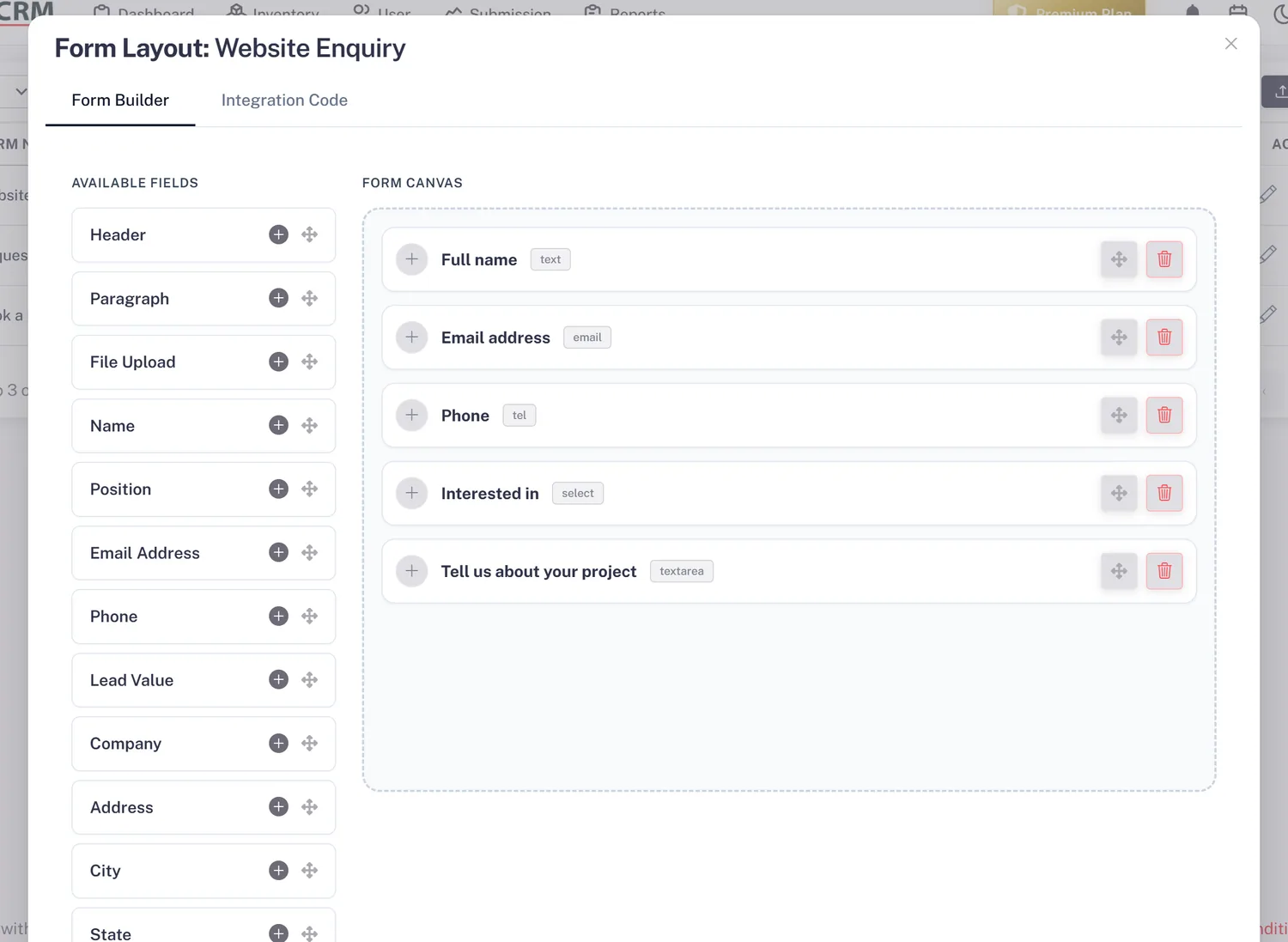
Add fields from a ready-made palette: name, email, phone, company, address, lead value, description, date and time, and file upload. Mark each one required or optional, arrange them and preview the form before it goes live.
- Drag-and-drop field editor
- Required and optional fields
- Live preview before publishing
Brand
Make Each Form Look Like Your Site
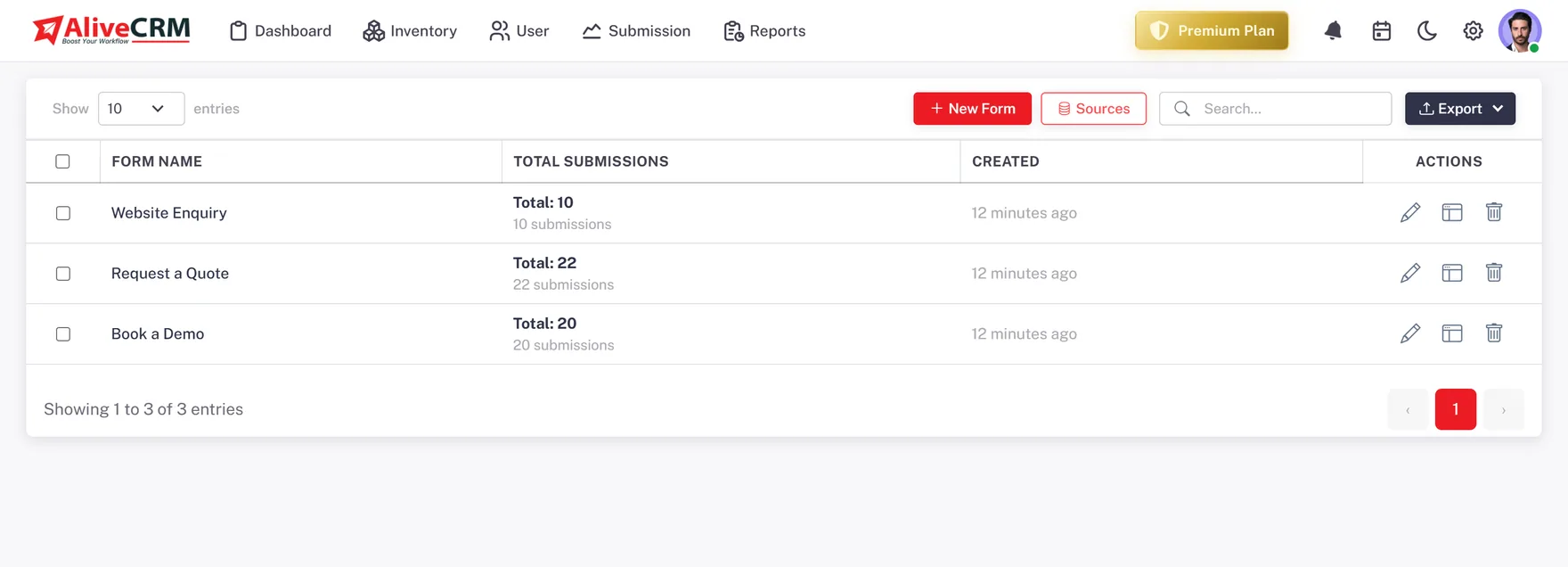
Set the button text, colours and thank-you message on every form. Build as many forms as your plan allows: one for contact, one for quotes, one per campaign or landing page. Change a form later without touching your website.
- Button text and colours
- Custom thank-you message
- Edit without re-embedding
Embed
Embed With One Tag
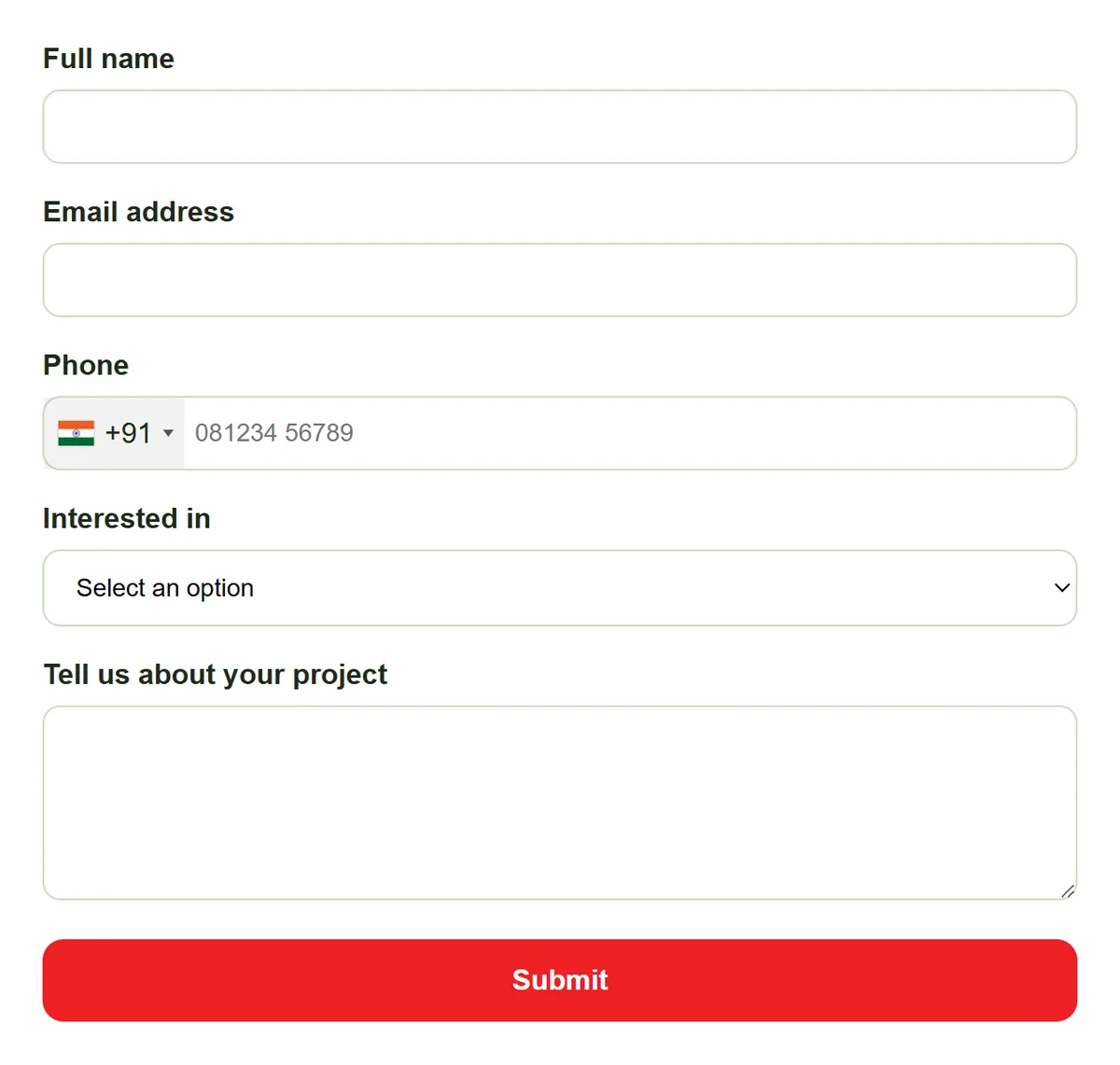
Paste one script tag into any page, add the form through Google Tag Manager, or place it on WordPress. It renders the same on every site builder, and each submission is saved as a lead the moment it is sent.
- Script tag for any website
- Google Tag Manager
- WordPress pages and posts
Capture
Every Submission Becomes a Lead
Submissions arrive with the form and page recorded and an in-app notification, plus email on Basic and above. Tie a form to a product, project or service so the lead is already linked to it, and let auto-assignment (Basic plan and above) pick the owner.
- Form and page recorded
- In-app alerts, email on Basic and above
- Auto-assignment on Basic and above
Rahul Sharma
Example Technologies
Who It Is For
Who Uses the AliveCRM Form Builder
Small businesses
Replace the contact form plugin that emails you with one that saves every enquiry as a lead you can track.
Campaign marketers
Give each landing page its own form so you can tell which campaign brought leads that actually turned into sales.
Real estate projects
One enquiry form per project, so site visit requests arrive linked to the right project and its sales team.
Institutes and coaching centres
An admission enquiry form per course, with counsellors assigned and reminded to call back while the student is still deciding.
Honest limits
What This Form Builder Is Not For
The AliveCRM form builder is built for lead forms. It is not a survey tool, a quiz builder or a payment form, and it does not send submissions to other apps through Zapier. If you need long multi-page surveys or checkout forms, use a dedicated tool for those and keep AliveCRM for enquiries.
Build Your First Lead Form
Start free, build a form in a few minutes and paste it on your site.
FAQ
Frequently Asked Questions
Yes, free for 7 days with no payment at signup. The trial runs on the Free plan, which includes one form with up to 25 leads per form. Paid plans add more forms, more leads and more users, and leads over a plan's limit are saved but locked until you upgrade.
No. You build the form by picking and arranging fields, then copy one script tag into your page. If your site has a box for custom code, or you use Google Tag Manager or WordPress, that is all you need. The form keeps working when you edit it later.
The palette includes name, email, phone, company, address, lead value, description, date and time, and file upload. Each field can be required or optional. Keep forms short: ask only for what your team needs for the first reply, and collect the rest on the call.
Straight into AliveCRM as leads, not into an email inbox. Each lead records which form and page it came from, the team gets an in-app notification (and email on Basic and above), and the lead can be assigned to an owner automatically on the Basic plan and above.
Yes. The same script tag works on any site you control, and every submission reaches the same lead list. If you want to compare sites, build a separate form for each one, so the source on every lead tells you exactly where it started.