Service Businesses
CRM for Service Businesses
Answer quote and booking requests while the customer is still deciding, and chase every quote until the job is in the diary.
The short answer
Why does a service business need a CRM?
A service business needs a CRM because jobs are won by whoever replies first and follows up best. A CRM for service businesses captures every quote or booking enquiry, links it to the right service, gives it an owner and reminds that person to chase the quote. AliveCRM does all four.
Customers asking for a quote usually ask two or three firms at once. The firm that calls back within the hour, and calls again after sending the price, wins more of those jobs.
Where service enquiries come from
- Service pages and the contact form on your website.
- Phone calls and WhatsApp messages.
- Local directories and listing sites.
- Repeat customers and referrals.
How It Works
From Enquiry to Booked Job
Fast first reply, then a quote that gets chased.
Capture
Every Enquiry Linked to a Service
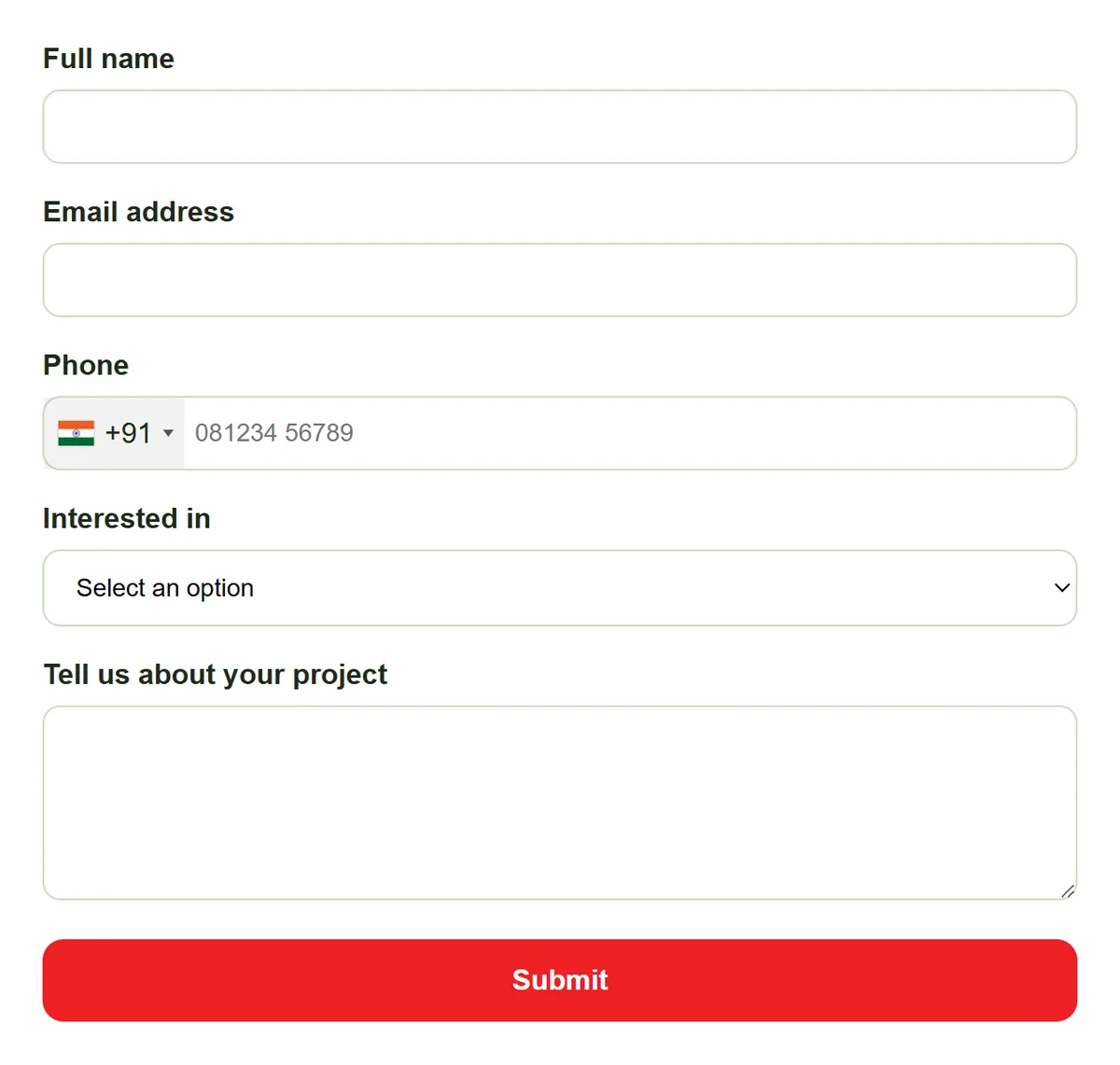
Put a form on each service page, with a date and time field for a preferred slot and a file upload for photos of the job. Add phone enquiries by hand so they sit in the same list with the same statuses.
- A form per service
- Preferred date and photo upload
- Phone enquiries added by hand
Reply
Reply While the Customer Is Still Deciding
With auto-assignment on the Basic plan and above, a new enquiry goes straight to someone on that service's team. A timer on the lead turns orange at 15 minutes and red at 30, so slow replies are obvious.
- Owner set on arrival
- Response timer on every lead
- Tap-to-call from the lead
Rahul Sharma
Example Technologies
Quote
Quote, Then Chase
On Advance and Premium, build a quotation from the lead with line items and tax and send it as a PDF. Set a reminder (Basic and above) two days later to chase it, and convert the quote into an invoice when the customer says yes.
- Quotations on Advance and Premium
- Reminder to chase every quote
- Quote converts to invoice
Rahul Sharma
Example Technologies
Report
Know Which Services Pay
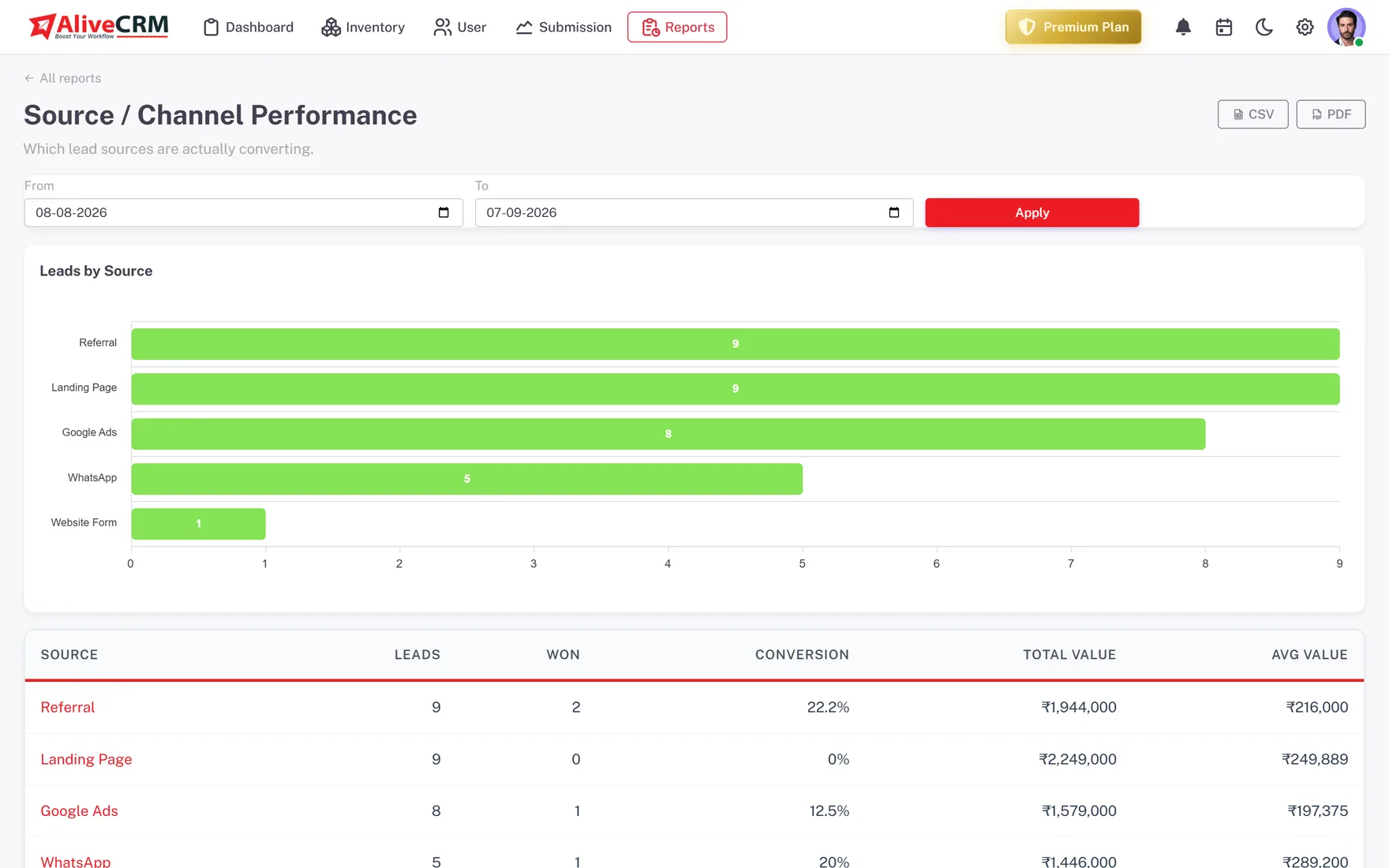
On Advance and Premium, the Product Catalog report counts bookings per service, and the Sales Rep Performance report shows average response per person. The Lead Pipeline report, on every plan, shows how many jobs are at each stage.
- Bookings per service
- Response time per person
- Jobs at each stage
An example day
A Day at a Home Services Company
This is an illustration of how a small home services firm might use AliveCRM, not a customer story.
- 8:40 am. A customer requests an AC repair quote on the website and uploads a photo. The lead goes to the AC technician on duty.
- 8:55 am. The technician calls from the lead, agrees a visit time and adds a note with the model number.
- 2:00 pm. After the visit, the office builds a quotation, sends the PDF and sets a reminder for two days later.
- Two days later. The reminder fires, the office calls, and the customer accepts. The quote becomes an invoice.
- Month end. The owner checks bookings per service and sees AC repairs outpacing plumbing.
Who It Is For
Service Businesses That Use AliveCRM
Trades and home services
Repairs, installation, cleaning and pest control, where the first firm to call back usually gets the job.
Clinics and wellness studios
Treatment and class enquiries linked to each service, with staff reminded to call back before the client books elsewhere.
Automotive and repair shops
Service and repair requests with photos attached, quoted from the lead and chased until the booking.
Event and hospitality services
Catering, venue and event enquiries with a preferred date, a quote and a follow-up on every one.
Honest limits
What AliveCRM Does Not Do for Service Businesses
AliveCRM is not job management or field service software. It has no live booking slots, technician dispatch, route planning or job sheets, and it does not take online payments. It covers the sales side: from enquiry to accepted quote and invoice.
Win More of the Jobs You Quote For
Start a 7-day free trial and put a form on your busiest service page.
FAQ
Frequently Asked Questions
They can tell you their preferred date and time through a date and time field, but AliveCRM does not show live availability or confirm slots automatically. Your team confirms the time on the call, then records it on the lead and, on Advance and Premium, on the shared calendar.
Yes, on the Advance and Premium plans. Build a quotation from the lead with line items and tax, download it as a PDF and convert it into an invoice once the customer accepts. GST is supported for Indian businesses, and the quote stays linked to the enquiry.
As fast as you can, ideally within the hour, because customers often ask several firms at once. AliveCRM shows a response timer on every new lead that turns orange at 15 minutes and red at 30, so the whole team can see which enquiries are waiting.
Yes. Add phone, walk-in and WhatsApp enquiries by hand so they sit in the same list as web leads, with the same statuses and reminders. On the Advance and Premium plans, you can also open a WhatsApp chat straight from the lead.