Feature
Service Enquiry Management for Service Businesses
List the services you sell and link every quote request or booking enquiry to the right one, so the person calling back already knows what the customer wants.
The short answer
What is service enquiry management?
Service enquiry management means every quote request or booking is linked to the service it is about. In AliveCRM each service has a record with price, duration and category, its own enquiry form and its own team, so leads arrive tagged with the service and reach the people who deliver it.
Service businesses run on enquiries, and a good month often comes down to how quickly they are followed up. A lead that only says "interested in your services" is slow to act on.
The cost of a vague enquiry
- The call back starts with "so, what were you after?"
- Quotes take longer because nobody knows the scope.
- Enquiries reach someone who does not deliver that service.
- You cannot tell which services bring work and which bring questions.
How It Works
From Service Page to Booked Job
The service stays on the lead from first enquiry to booking.
Services
A Record for Each Service
Each service has a name, price, duration, category and active or inactive status. It sits in the same CRM as your leads, so whoever picks up an enquiry sees the service details without opening another list.
- Price and duration per service
- Categories for grouping
- Active and inactive status
Rahul Sharma
Example Technologies
Forms
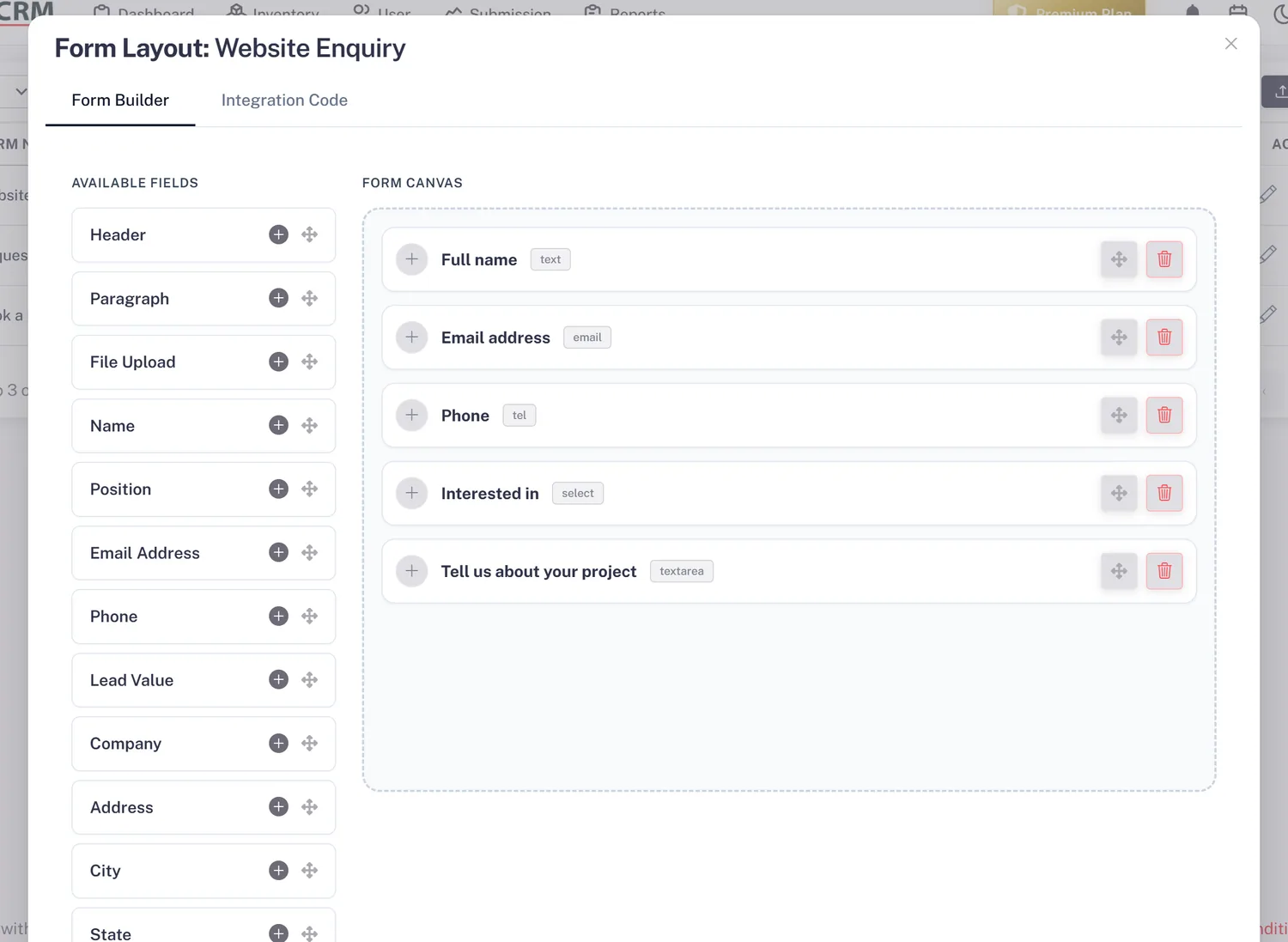
A Form for Every Service
Put a form on a service page and it is linked to that service, whether the visitor wants a price or a booking. Add a date and time field for a preferred slot, or a file upload for photos of the job.
- One form per service
- Service shown on every lead
- Date, time and file upload fields
Team
The Right Person for Each Service
Set a team on each service. With auto-assignment on the Basic plan and above, its enquiries go to that team first, so a plumbing job reaches a plumber and a design brief reaches a designer. Reassign by hand when needed.
- Team per service
- Service team tried first
- Manual reassignment any time
Rahul Sharma
Example Technologies
Quote and Report
Quote Fast, Then See What Sells
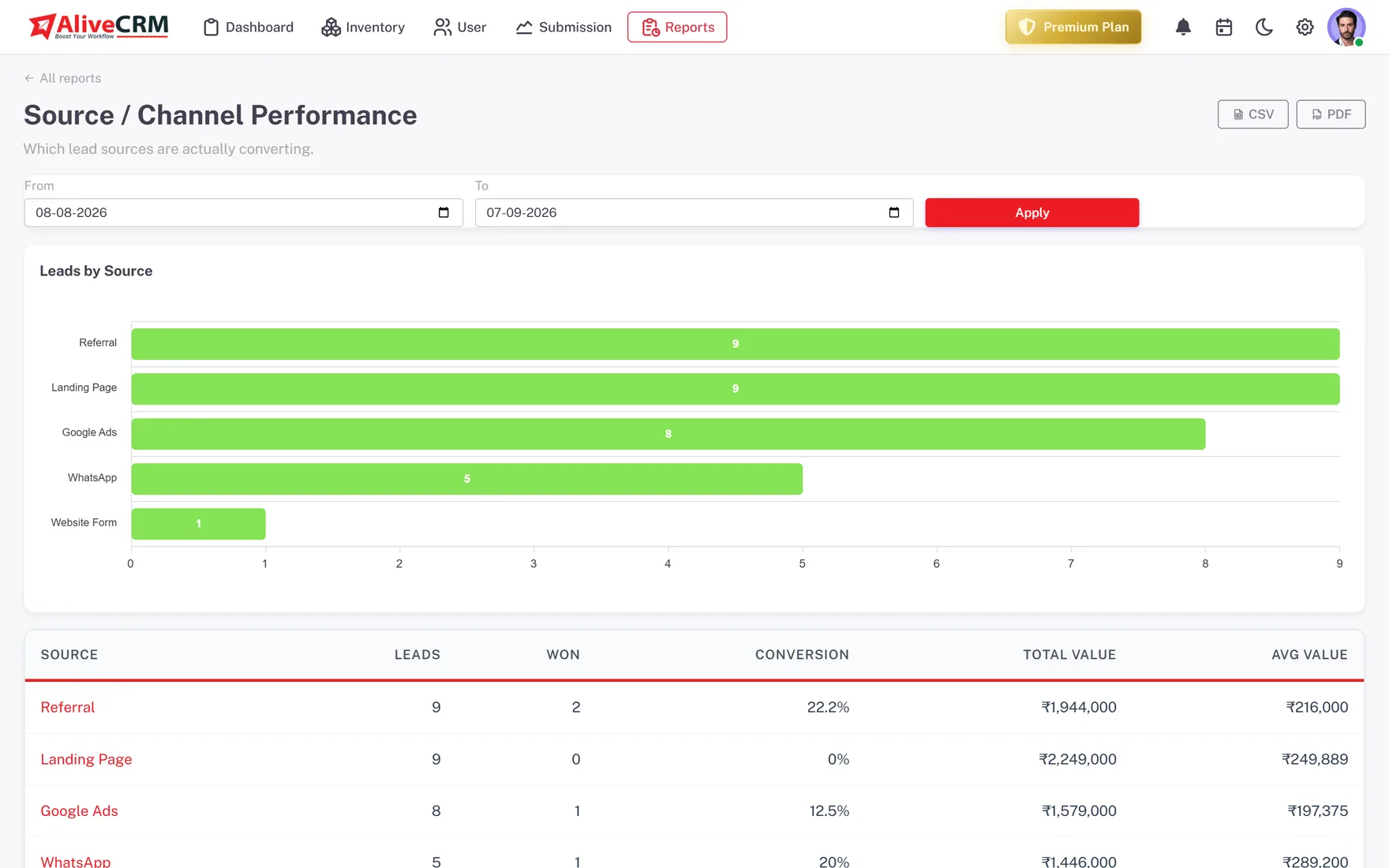
On Advance and Premium, build a quotation from the lead with line items and tax, send it as a PDF and convert it into an invoice when the job is won. The Product Catalog report shows booking counts per service.
- Quotations and invoices from the lead
- Booking count per service
- Products and services in one report
Who It Is For
Who Manages Service Enquiries This Way
Trades and home services
Plumbing, electrical, cleaning and repairs, where a quick call back with the right person wins the job.
Professional services
Accountants, consultants and legal firms whose enquiries need a specialist and a proper quote before work starts.
Clinics and studios
Treatment, class or session enquiries linked to each service, so staff know what the client wants before they call.
Installation and maintenance firms
Site survey and service contract enquiries routed to the right technicians, with photos attached by the customer.
Honest limits
What Service Management Does Not Do
This is not an appointment-booking system. Customers cannot pick a free slot from live availability, and there is no job scheduling or dispatch. The Advance and Premium plans include a shared event calendar, but lead reminders are set on each lead rather than placed on that calendar.
Link Every Enquiry to a Service
Start a 7-day free trial, add your services and build a form for each.
FAQ
Frequently Asked Questions
Partly. Each service records a duration, and the Advance and Premium plans include a shared company event calendar. It is not a full appointment-booking system with live time-slot availability, and lead reminders are set on each lead rather than shown on that calendar.
Yes. Build the form each enquiry needs and link it to the service. The service is attached to the lead whether the visitor is asking for a price or a slot, and your statuses can follow a quote flow, a booking flow or both.
Yes, on the Advance and Premium plans. Build a quotation from the lead with line items and tax, download it as a PDF and convert it into an invoice once the customer agrees. GST is supported for Indian businesses, and the quote stays linked to the enquiry it answers.
Services carry a price and a duration and are usually delivered rather than shipped. Products carry a SKU and stock. Use services if your leads are about work you perform, products if they are about items you sell, or both if you do each.
Yes, on the Advance and Premium plans. The Product Catalog report lists your services and products with the bookings or orders each one has received. You can also filter the lead list by service on any plan to see every enquiry for one service.