Feature
Project Enquiry Management for Project-Based Sales
Keep each development, site or engagement as a project in AliveCRM, and link every enquiry to the project the buyer is asking about.
The short answer
What is project enquiry management?
Project enquiry management means each lead is tied to the project it is about, such as a property development or a construction site. In AliveCRM every project has its own record, enquiry form and sales team, so leads arrive linked to the right project and go to the people who know it.
This is not project management software for tasks and timelines. It is about selling projects: tracking the enquiries each one attracts until they become a booking, a sale or a lost lead. The delivery work itself stays in whatever tool your team already uses.
What breaks without project structure
- An enquiry says "the new tower" and nobody knows which development.
- Marketing cannot tell which project page is working.
- Leads for a project go to agents who do not know it.
- A total lead count hides which project is struggling.
How It Works
From Project Page to Booking
The project stays on the lead through every follow-up.
Projects
One Record per Project
Give each project a name, location, builder, project URL, category and status, and set the team that sells it. Everything about the project lives in one place instead of a folder, a brochure and a chat thread.
- Location, builder and category
- Project URL and status
- Active and inactive projects
Rahul Sharma
Example Technologies
Forms
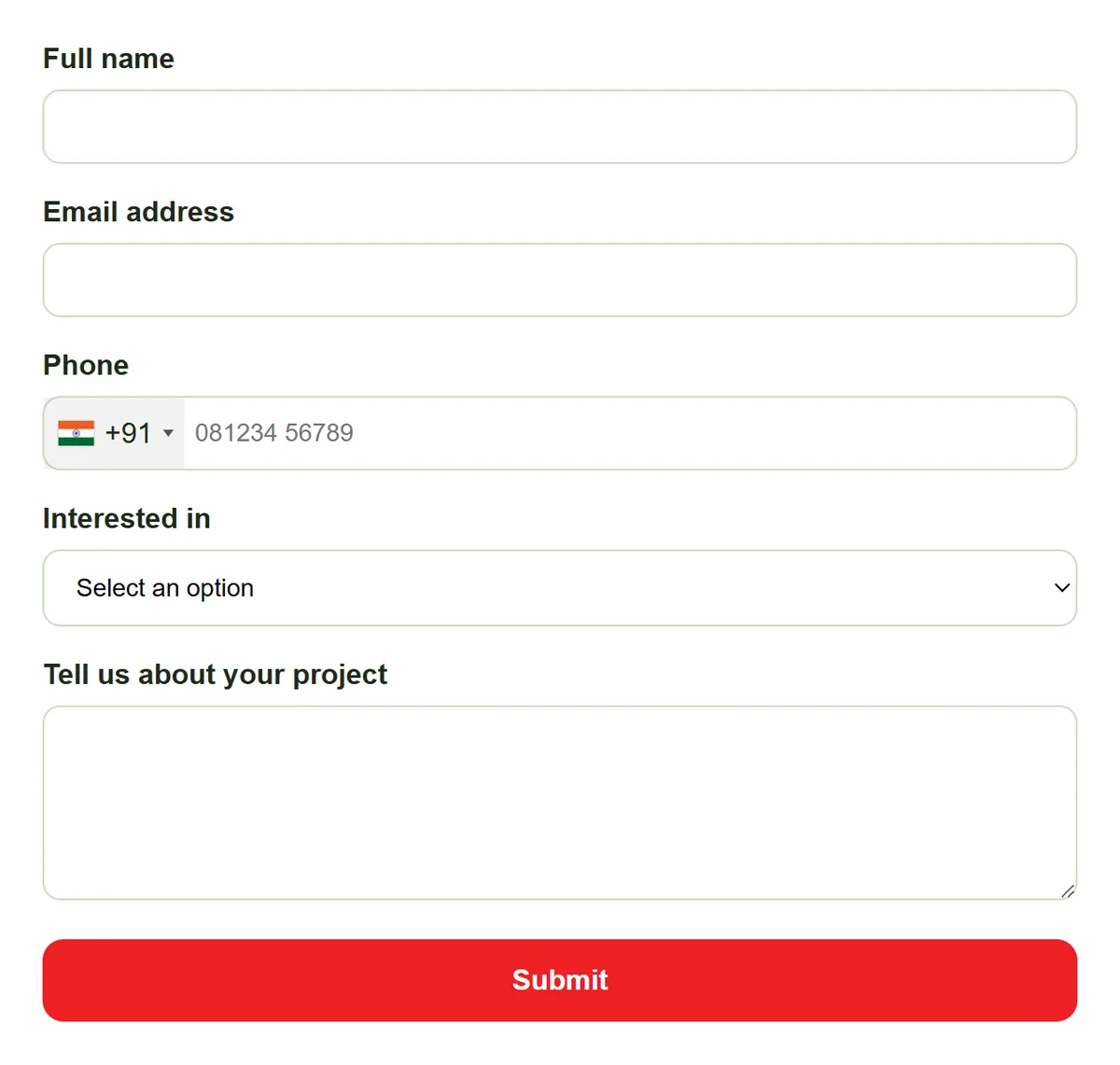
An Enquiry Form per Project
Embed a form on a project page or landing page and it routes straight to that project. The lead carries the project from capture, so whoever follows up already knows which development the buyer is asking about.
- A form per project or landing page
- Project shown on the lead
- Statuses for a longer sales cycle
Team
A Sales Team per Project
Set the agents who sell each project. With auto-assignment on the Basic plan and above, new enquiries for that project are shared among its team first. Change the team as people move, and reassign any lead by hand.
- Team per project
- Project team tried first
- Manual reassignment any time
Rahul Sharma
Example Technologies
Report
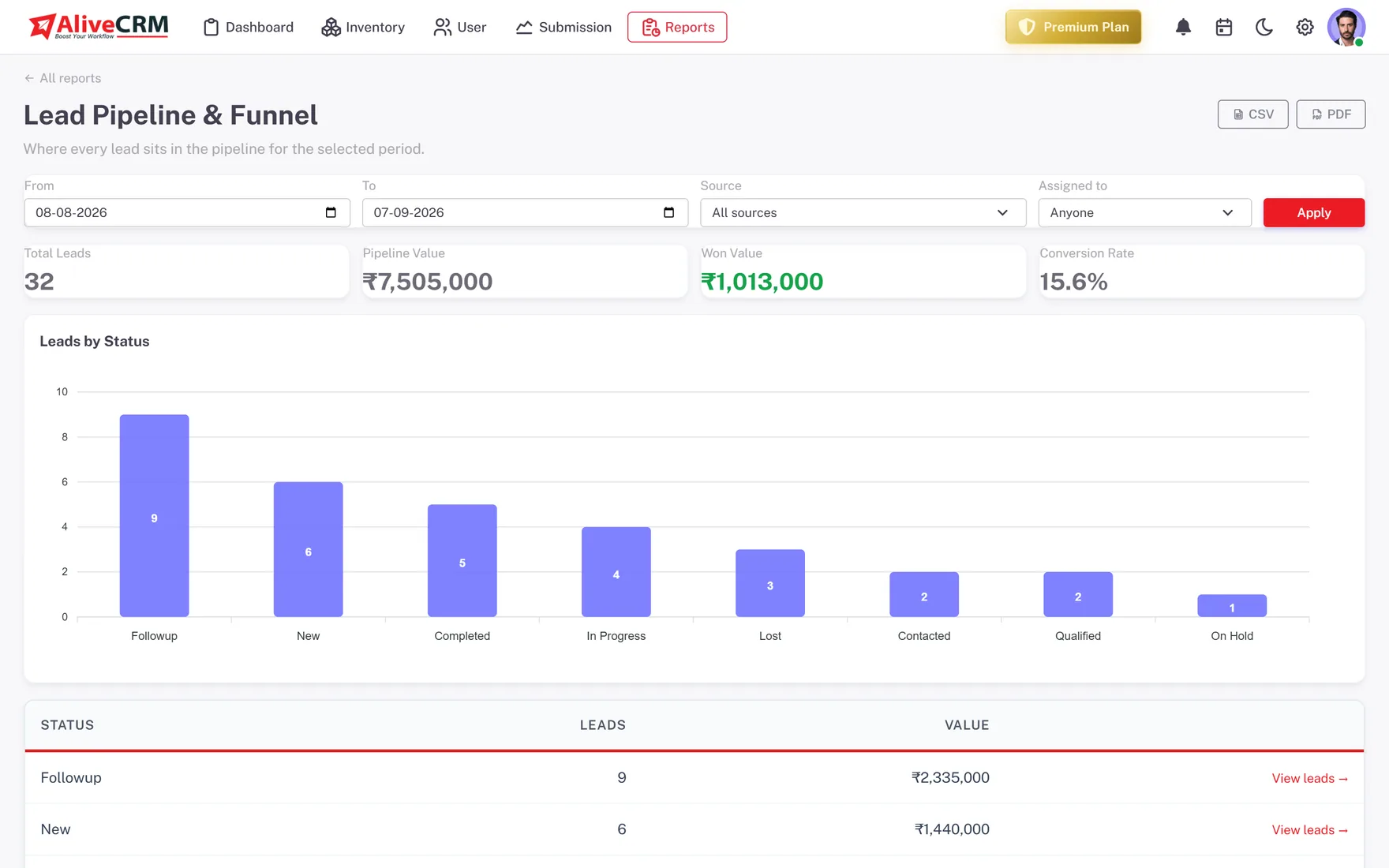
Lead Count and Status per Project
On the Advance and Premium plans, the Project report lists every project with its status and lead count. Filter by project status to compare live projects and see which need more sales effort.
- Lead count per project
- Filter by project status
- Spot projects that need attention
Who It Is For
Who Sells by Project
Property developers
Several developments on sale at once, each with its own enquiries, brochure, sales team and site visit requests to manage.
Real estate brokers
Enquiries across many builders' projects, kept apart so each agent can answer questions about the right one.
Construction and fit-out firms
Tender and project enquiries tied to a specific site or client brief, with a team that owns each one.
Event and exhibition builders
Enquiries for each event or build tracked separately, so nothing gets mixed up when several run at once.
Honest limits
What This Feature Is Not
AliveCRM projects are for selling, not for running the work. There are no task lists, Gantt charts, timesheets or unit inventory. If you need to manage construction schedules or unit availability, keep a dedicated tool for that and use AliveCRM for the enquiries.
Link Every Enquiry to Its Project
Start a 7-day free trial, add your projects and build a form for each.
FAQ
Frequently Asked Questions
Anything your leads are organised around that is not a repeatable catalog item: a property development, a construction site, a client engagement or an event build. Each project has its own details, its own team and its own enquiries, kept apart from the others.
No. AliveCRM projects track the enquiries and sales for each project, not the tasks, schedules or budgets of delivering it. Most project-based businesses keep their delivery tool and use AliveCRM for the sales side, from the first enquiry to a booking.
Yes. Set a team on the project so auto-assignment can offer its leads to people who know it first. Change the team as people move between projects, and reassign any individual lead by hand, one at a time, whenever you need to.
It depends on your plan. The 7-day free trial includes one project, and paid plans raise the limit as you go up. The pricing page lists the current limits, so check them against the number of developments you are selling at once.
Products are catalog items you sell repeatedly, with a SKU and price. Projects are individual, longer-running pieces of work with a location and a builder. Real estate teams use projects; a supplier uses products. Some businesses use both, each with its own forms, teams and reports.