Small Business CRM
A CRM for Small Business That Stays Simple
AliveCRM is a CRM for small businesses with 2 to 50 people. Set it up yourself, capture enquiries from your website and keep every follow-up on track.
The short answer
What is the best CRM for a small business?
The best CRM for a small business is one the team actually uses every day. That usually means quick setup, a short list of features that match how you sell and a price that fits. AliveCRM covers lead capture, assignment, follow-up reminders, quotes and reports, with a 7-day free trial to start.
Small businesses rarely fail at CRM because of missing features. They fail because the tool was too heavy to set up, so the team went back to WhatsApp and a spreadsheet within a month.
What a small business CRM needs on day one
- A way to get website enquiries in without copying them.
- A clear owner for every lead.
- A reminder for the next step.
- A view of what is overdue and what is converting.
How It Works
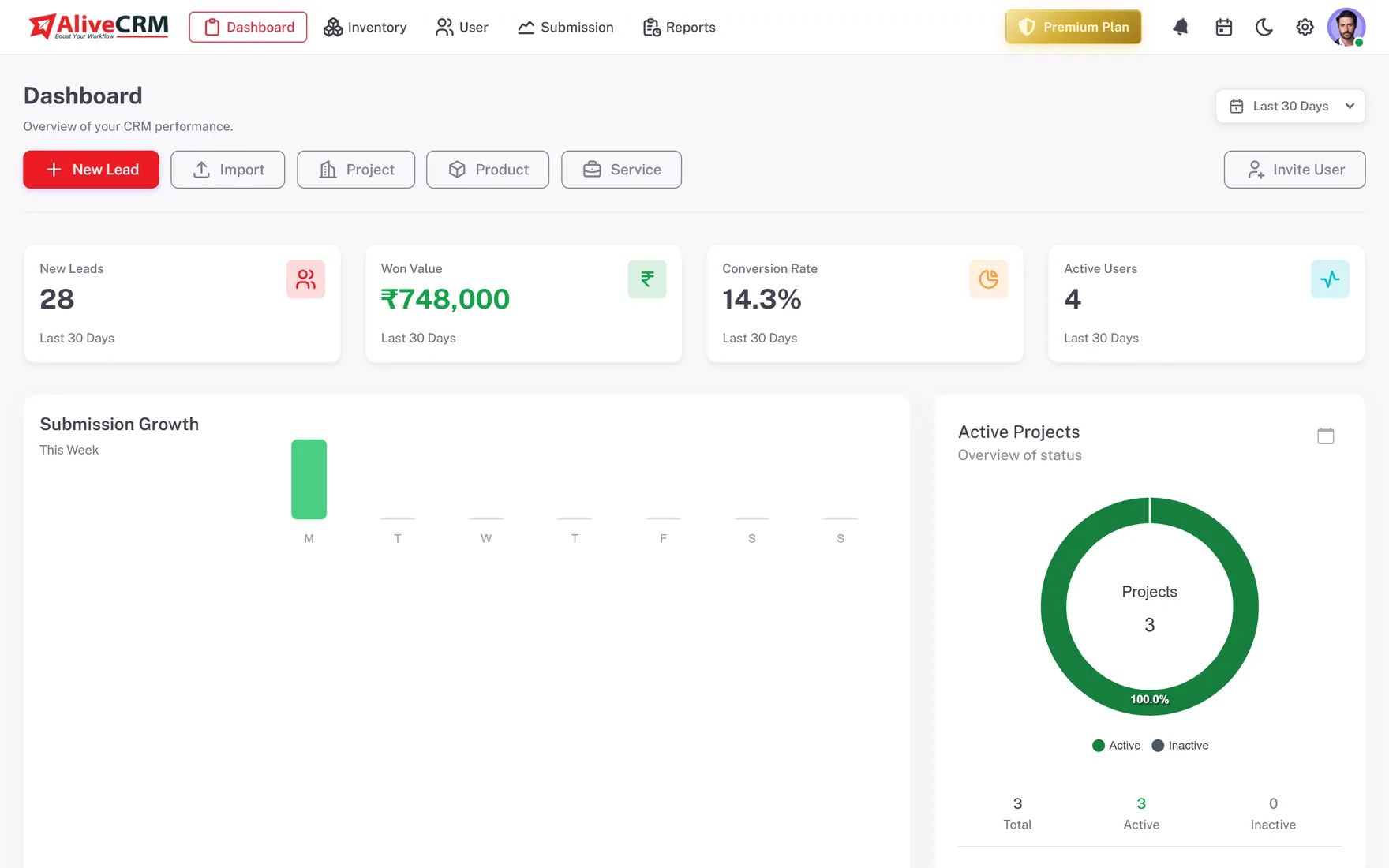
Up and Running in Four Steps
A guided setup wizard walks you through each one.
Set Up
Set It Up Yourself
The onboarding wizard covers your company details, your first form and inviting users. There is no consultant and no data model to design. Bring existing leads across with a CSV import of up to 2,000 rows per file.
- Guided setup wizard
- CSV import for existing leads
- Help centre with step-by-step guides
Capture
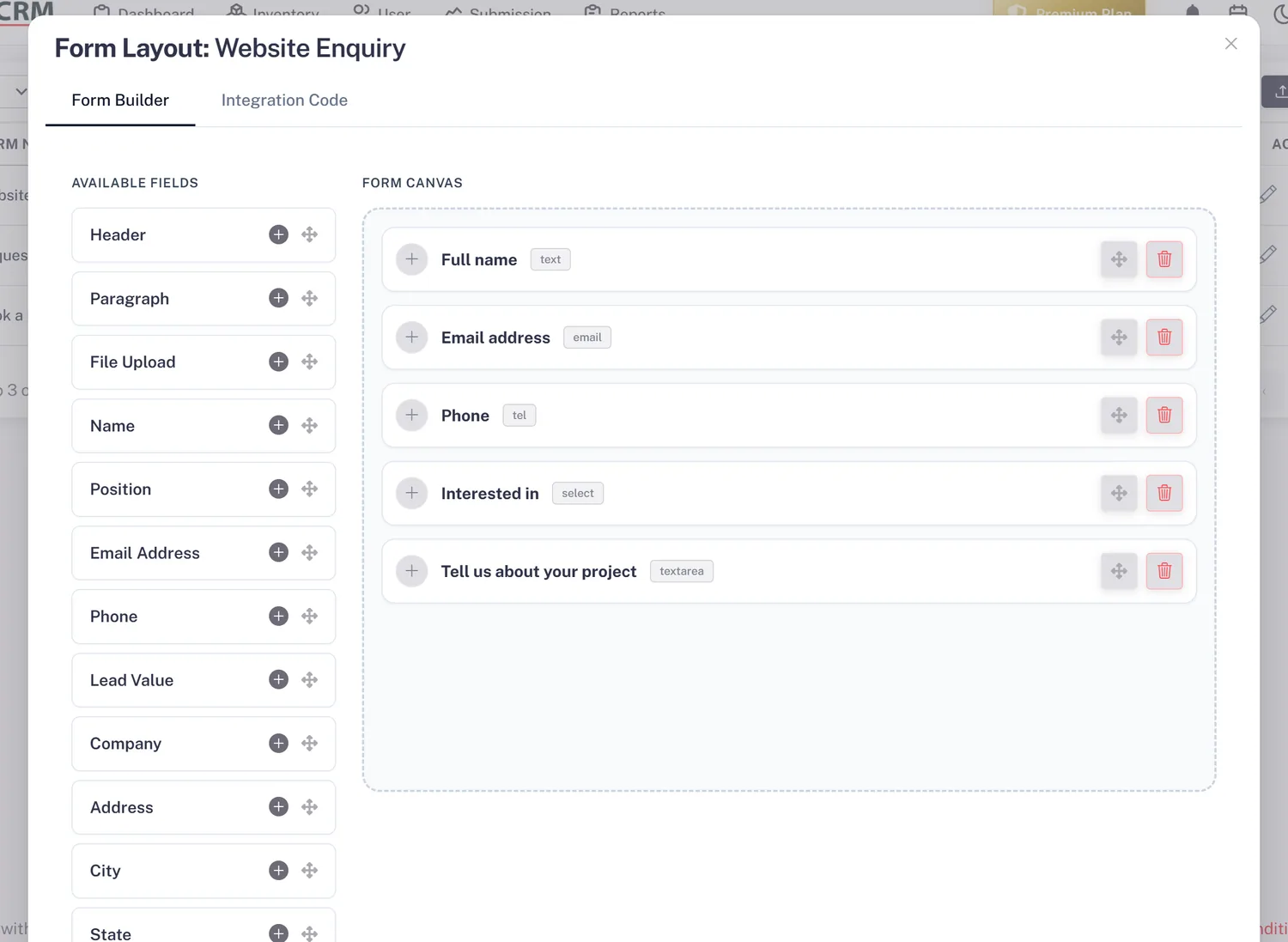
Turn Website Enquiries Into Leads
Build a form and paste one script tag onto your site, or add it through Google Tag Manager or WordPress. Every submission becomes a lead with its source recorded, and you get an in-app notification, plus email on Basic and above.
- Form builder, no coding
- One-tag embed
- In-app alerts, email on Basic and above
Follow Up
Keep Every Follow-Up on Track
Give each lead an owner, by hand or with auto-assignment (Basic plan and above), and set a reminder for the next step. Call from the lead, or WhatsApp on Advance and Premium, and the contact is logged so anyone can see it happened.
- Owner on every lead
- A reminder per lead
- Contact History for calls and WhatsApp
Rahul Sharma
Example Technologies
Quote
Send Quotes and Invoices
On Advance and Premium, create a quotation with line items and tax, download it as a PDF and convert it into an invoice when the customer agrees. GST is supported for Indian businesses. Prices for AliveCRM itself show in USD, or INR in India.
- Line items and tax
- PDF quotes and invoices
- Convert quote to invoice
Rahul Sharma
Example Technologies
Who It Is For
Small Businesses That Use AliveCRM
Local service providers
Quote and booking requests from your website, followed up the same day and turned into invoices when the customer says yes.
Small agencies
Project enquiries from your site, assigned to whoever is free, with notes from the first call kept on the lead.
Property brokers
Enquiries linked to each project, site visits scheduled with guests and follow-ups that do not depend on memory.
Coaching and training centres
Course enquiries tracked from first call to admission, with counsellors reminded to call back on time.
Honest limits
When AliveCRM Is Not the Right Fit
AliveCRM is built for businesses whose sales start with an enquiry. If you mainly need email marketing, an online shop, accounting or support ticketing, those need their own tools. AliveCRM has no Zapier connection or public API today, so plan on keeping those systems separate.
Start Your Small Business CRM Free
Sign up, follow the setup wizard and capture your first lead today.
FAQ
Frequently Asked Questions
If more than one person handles enquiries, or you get more leads than you can remember, yes. The signs are clear: enquiries answered late, two people calling the same customer, and no idea which source brings sales. A simple CRM fixes those before they cost you customers.
AliveCRM starts with a 7-day free trial on the Free plan, with no payment at signup. After that you choose Basic, Advance or Premium, which add users, forms and features as you go up. Prices are in USD, or INR in India, and the pricing page lists the current amounts.
Yes. Save your spreadsheet as a CSV file and import it, up to 2,000 rows per file. Set up your statuses first so leads land in the right place. After the import, new enquiries from your website forms join the same list automatically.
It is built to be. Reps see a list of their leads, tap to call, write a note and set a reminder. There is no code to write and no fields to configure before they start. A help centre covers each feature step by step.
Yes. Start with the 7-day free trial, then move to Basic, Advance or Premium to add users, forms, auto-assignment and deeper reports. Your leads, notes and history stay in place when you change plans, so there is no migration as the team grows.