Feature
Capture Leads Into Your CRM the Moment They Arrive
What happens between a visitor pressing Submit and a lead appearing in AliveCRM: the form, the checks, the assignment and the alerts.
The short answer
How does AliveCRM capture leads into the CRM?
AliveCRM captures leads into the CRM through forms you embed on your site. Each form is tied to one source and one product, project or service. On submit, AliveCRM checks for duplicates, limits repeat submissions, creates the lead, assigns an owner and notifies the team. Manual entry and CSV import feed the same list.
Because capture and the CRM are one product, there is no sync to break and no inbox in the middle. The lead exists the moment the visitor presses Submit.
Three ways leads get in
- Embedded website forms, the main source for most teams.
- Manual entry, for phone calls and walk-ins.
- CSV import, for lists from events, old tools or spreadsheets.
How It Works
What Happens on Submit
Four checks and actions, in order, in a fraction of a second.
Forms
A Form for Every Page and Offer
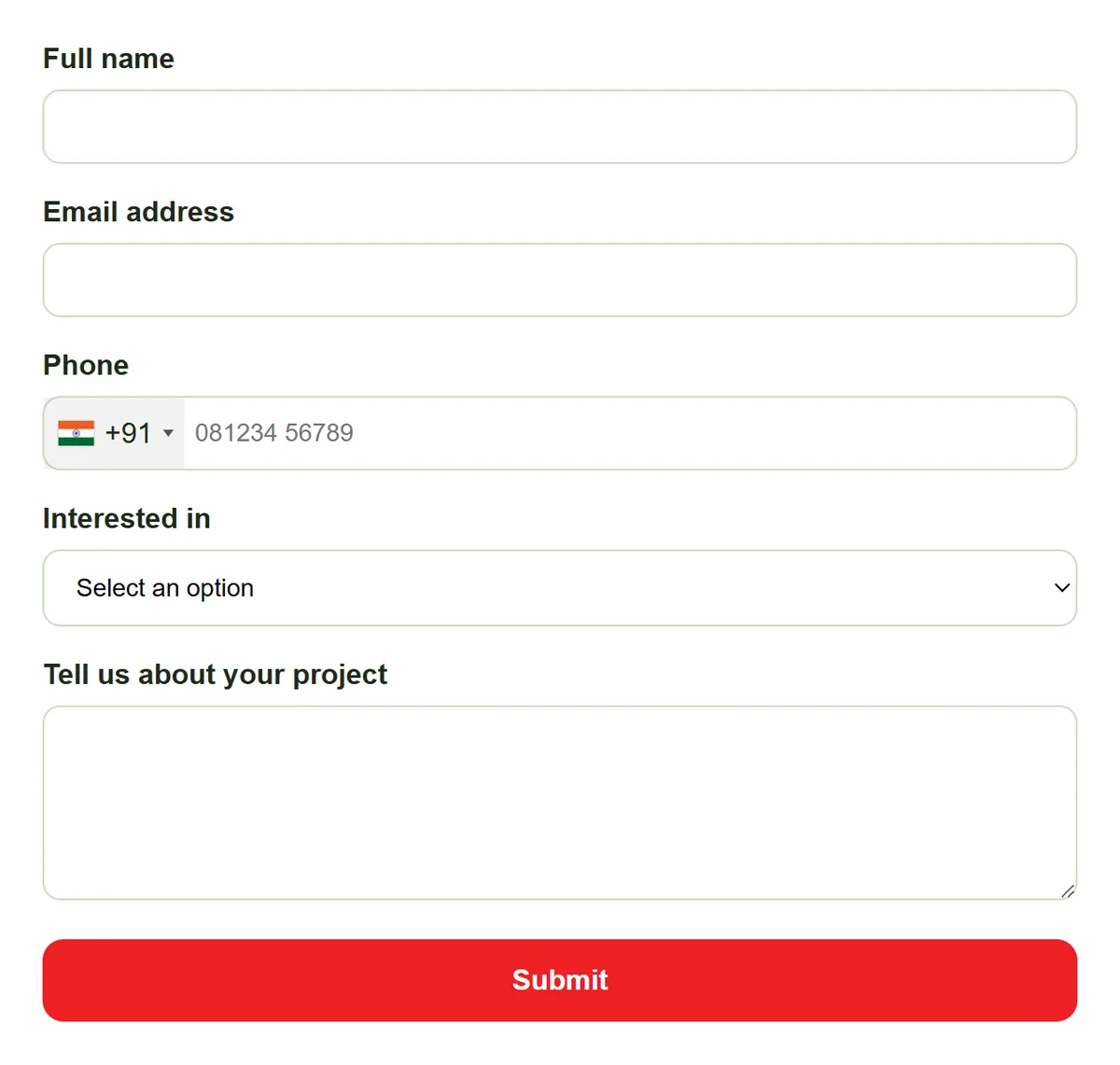
Put a form on a contact page, a product page, a blog post or a campaign landing page. Each form is tied to one source and one product, project or service, so every lead arrives labelled with where it came from and what it is about.
- One source and one item per form
- Source page URL saved on the lead
- As many forms as your plan allows
Embed
An Embed That Looks After Itself
Copy the form's script tag into your page. The form loads in a frame that resizes to fit, and because it is served from AliveCRM, changes you make later appear on your site without re-embedding anything.
- Works wherever a script tag is allowed
- Frame resizes itself
- Edits show up without re-embedding
Rahul Sharma
Example Technologies
Checks
Checks Before the Lead Is Saved
Every submission is checked for duplicates against existing leads and rate-limited per IP address and email, which keeps repeat and junk submissions down. Leads over your plan's limit are still saved, but stay locked until you upgrade.
- Duplicate check on submit
- Rate limiting per IP and email
- Over-limit leads saved and locked
Rahul Sharma
Example Technologies
Alerts
An Owner and an Alert, Instantly
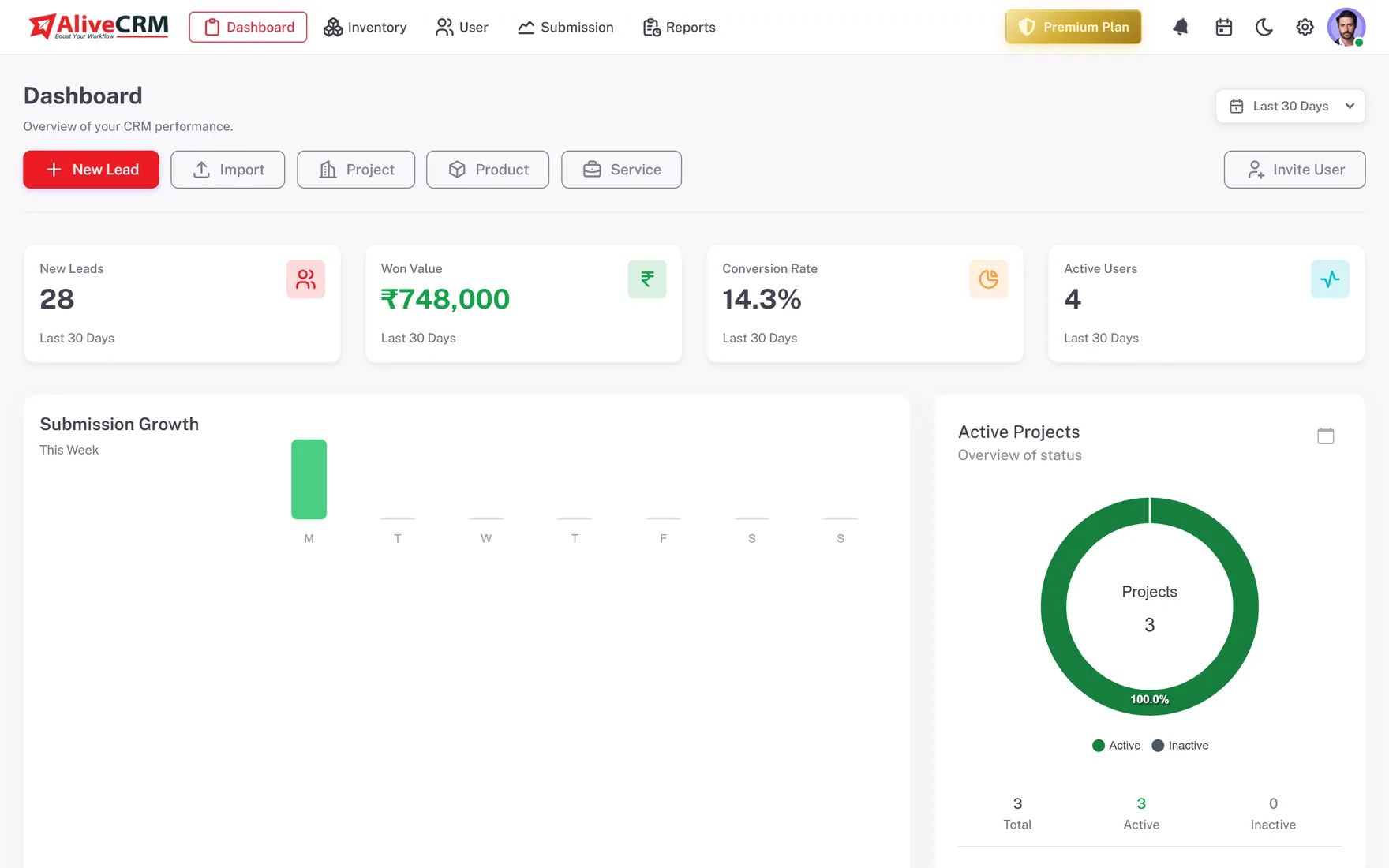
The new lead is assigned straight away, by your auto-assignment rule (Basic plan and above) or to the company admin. The owner and admins get an in-app notification, and on Basic and above admins also get an email with every submitted field.
- Assigned on arrival
- In-app notification to owner and admins
- Email with all fields on Basic and above
Who It Is For
Who Relies on Lead Capture
Campaign-driven teams
A form per landing page means every lead carries its campaign, so you can see which spend brought enquiries.
Project sellers
A form per project sends enquiries to that project's team first, already linked to the right development.
Teams that take calls
Add phone and walk-in enquiries by hand so they sit in the same list as web leads, with the same statuses.
Event exhibitors
Collect contacts on paper or a sheet at the event, then import them as a CSV file the next morning.
Honest limits
Where Leads Cannot Come From
AliveCRM does not connect directly to social media lead ads, ad network lead forms, property portals or Zapier, and it has no public API for customers. Leads from those places can come in through a CSV import. Inside your own website, any page that accepts a script tag can host a form.
Capture Your First Lead Today
Start a 7-day free trial, build a form and paste it on your site.
FAQ
Frequently Asked Questions
Build the form in AliveCRM, copy its embed script and paste it into your page, or add it through Google Tag Manager or WordPress. The form appears in a frame that resizes automatically, and each submission arrives in AliveCRM as a lead straight away.
Yes. Each form is linked to one product, service or project and one lead source. Every lead from that form carries both, so you can filter and report on them, and auto-assignment can send the lead to that item's team first.
The assigned user and company admins get an in-app notification. On the Basic plan and above, admins also receive an email with all the submitted fields, and the visitor can receive a thank-you email. SMS alerts are available on the Advance and Premium plans.
Each submission is rate-limited by IP address and email, which blocks repeated submissions from the same source in a short time. Duplicate checks also flag leads that match an existing email or phone. Neither removes all spam, but together they keep the lead list much cleaner.
The lead is still saved, so no enquiry is lost, but it stays locked and its details are hidden until you move to a plan with a higher limit. Upgrading opens those leads straight away, with all their submitted details intact.