Feature
Embed a Form on Your Website, Get a Lead in Your CRM
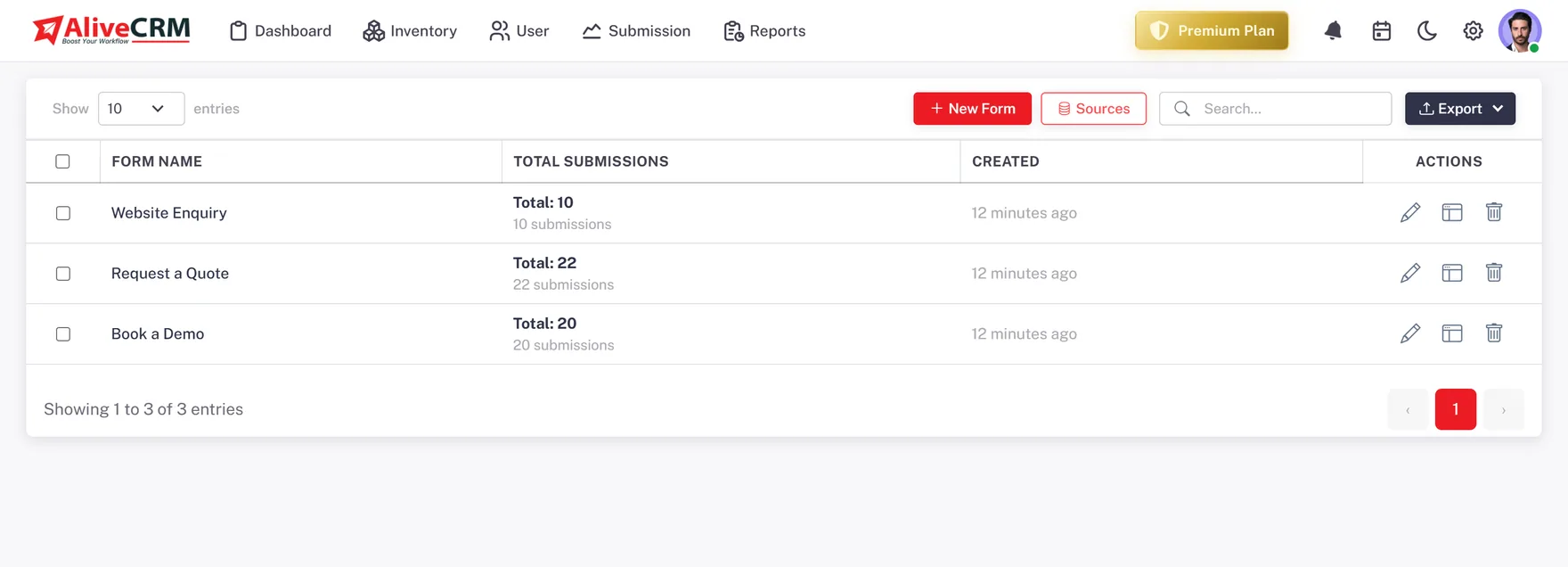
Run every form on your site from one place: a contact form, quote forms, an enquiry form per product or project, each one feeding the same pipeline.
The short answer
How do you embed a form on your website?
To embed a form on your website with AliveCRM, build the form, copy its script tag and paste it where the form should appear: a WordPress page, a landing-page builder, a theme template or a Google Tag Manager tag. The form renders inline, and every submission becomes a lead in your CRM.
For most businesses the website is the biggest source of new enquiries, yet its forms are the least managed part of sales. They email a shared address, or a plugin stores entries in a list nobody checks.
The problem with form-to-email
- The enquiry has no owner, so two people reply or nobody does.
- There is no status, so nobody knows what happened next.
- There is no source, so you cannot tell which page worked.
- A month later, nobody can count how many leads the site produced.
How It Works
From Script Tag to Lead
The same three steps for every form on your site.
Many Forms
A Form for Every Page That Matters
Most sites need several forms: a general contact form, a quote request on each service page, an enquiry form on each product or project. Give each its own name and source, so a lead tells you where someone got in touch and what about.
- Separate contact, quote and enquiry forms
- Each form carries its own source
- As many forms as your plan allows
Embed
One Tag, Any Website
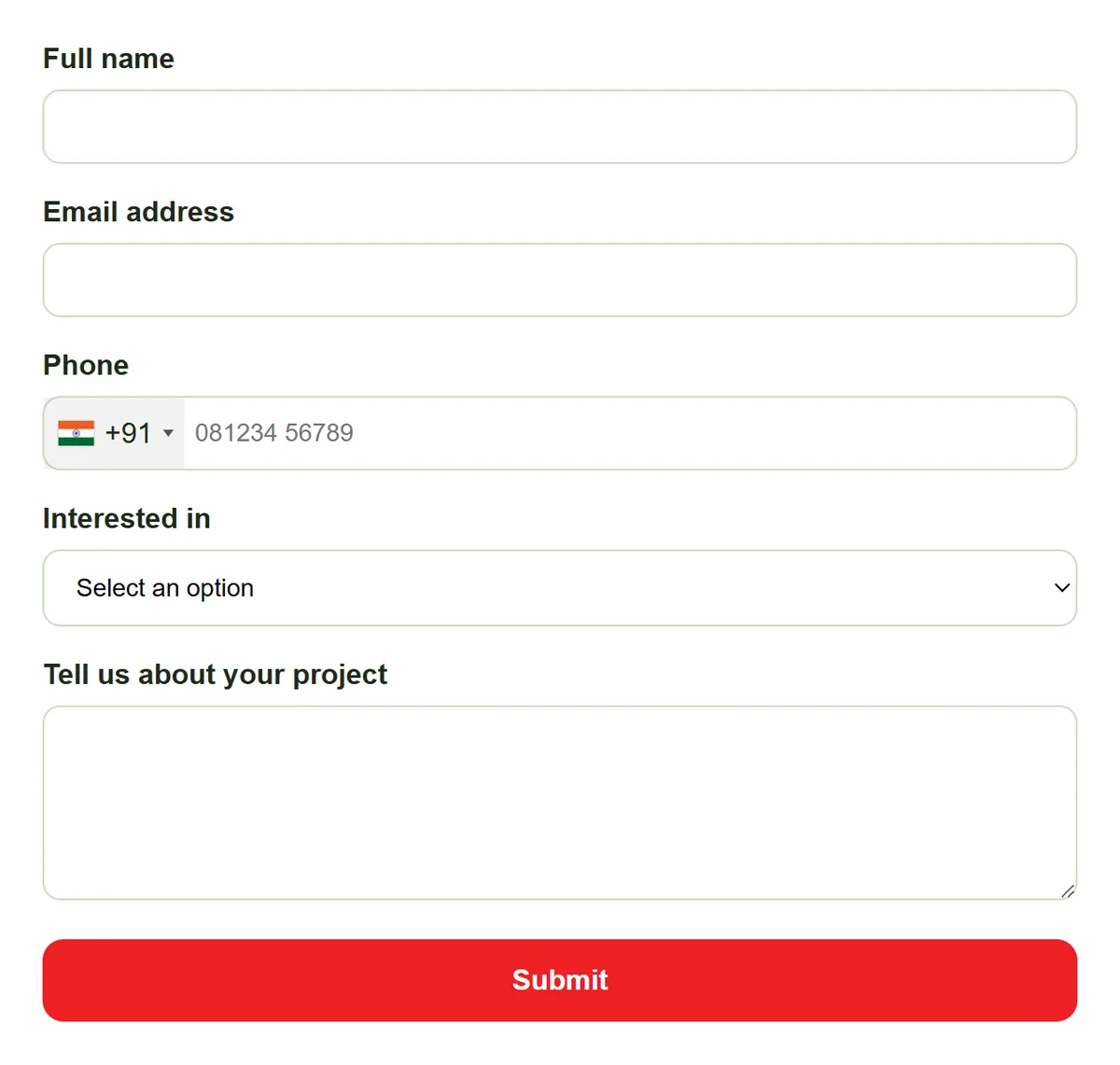
Paste the script tag into WordPress, a landing-page builder, a static HTML site or a theme template, or add it through Google Tag Manager. The form loads in a frame that resizes itself, and changes you make later appear without re-embedding.
- WordPress, builders, HTML and GTM
- Self-resizing frame
- Edit centrally, no re-embedding
Leads
Submissions Become Owned Leads
A submission is rate-limited against spam, checked for duplicates and saved as a lead with its form, source, page and linked item. It goes to the company admin, or to a rule-picked owner with auto-assignment on the Basic plan and above.
- Rate limiting and duplicate check
- Form, source and page on the lead
- Owner set on arrival
Rahul Sharma
Example Technologies
Measure
Track Conversions per Form
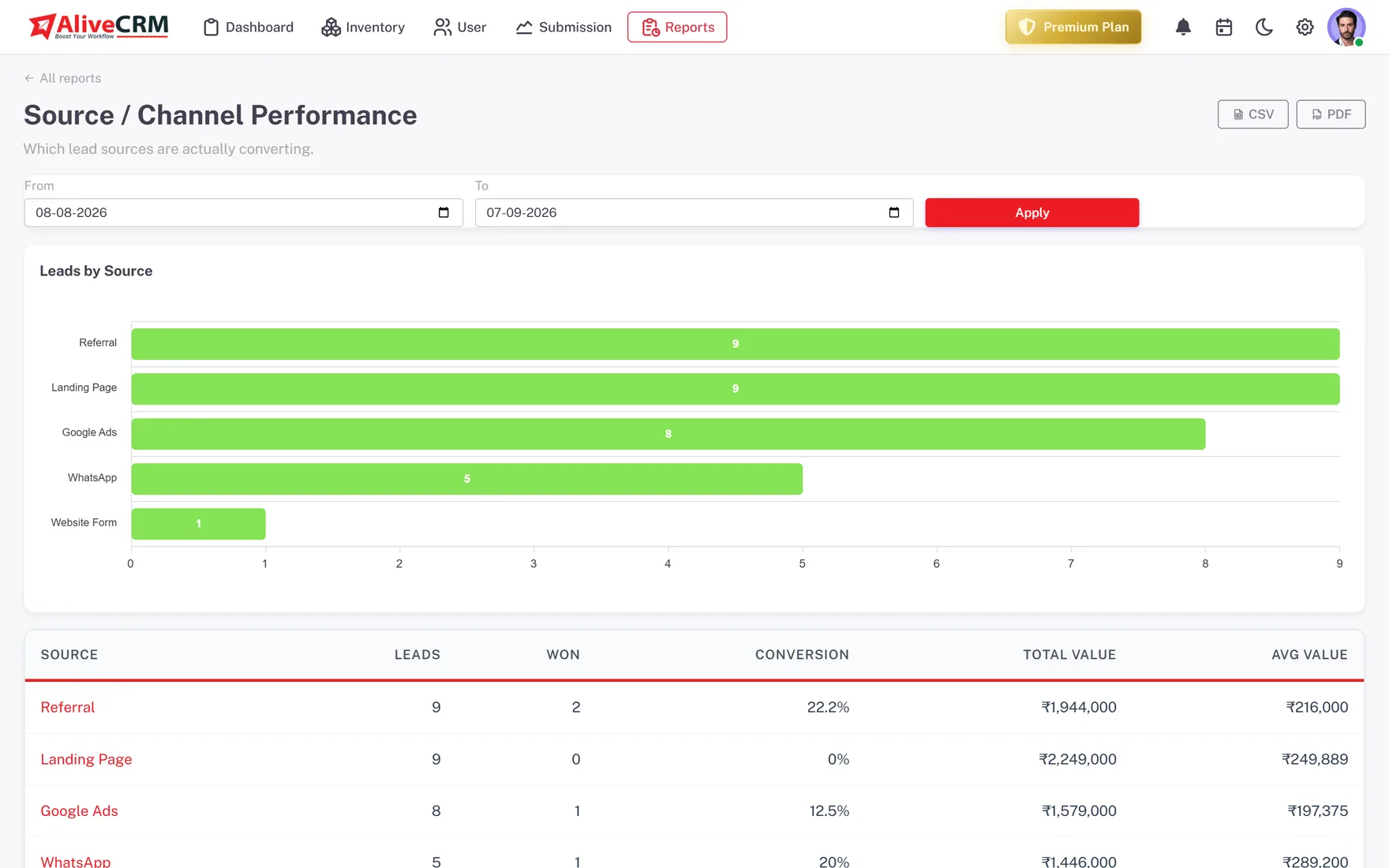
Add your Google Tag Manager code to a form and each submission can fire a conversion event for your ads and analytics. On Advance and Premium, the Form Performance report shows submissions and conversion for every form on your site.
- GTM code on each form
- Conversion event on submit
- Form Performance report on Advance and Premium
Who It Is For
Who Runs Their Website Forms in AliveCRM
Businesses with several pages
Contact, pricing, product and service pages each get a form, and every enquiry lands in one lead list with its page recorded.
WordPress site owners
Paste the script tag into a page or post and skip the form plugin that only emails you the enquiry.
Teams running paid ads
Fire a conversion event through Google Tag Manager while the same submission becomes a lead your team can follow up.
Multi-project developers
One enquiry form per project page, so each lead arrives linked to the right development and its sales team.
Honest limits
What Website Forms Do Not Do
The forms need a page that accepts a script tag; some locked-down site builders do not. There is no captcha, no live chat and no visitor tracking. AliveCRM does not import entries from other form plugins automatically, but you can export them to CSV and import them.
Connect Your Website Forms to Your CRM
Start a 7-day free trial, build a form and paste it on your busiest page.
FAQ
Frequently Asked Questions
As many as your plan allows. Most sites run several: a contact form, a quote form, and an enquiry form on each key product, service or project page. Each one has its own name and source, so reports can tell you which form brings the most leads.
No. Each form gives you one script tag. Paste it where the form should appear, in a page builder, the WordPress editor or a theme file, or add it as a Google Tag Manager tag. There is no package to install and no API to wire up.
Submissions are rate-limited by IP address and email, and every one goes through a duplicate check, which slows bots and repeat entries. The forms do not include a captcha, so if a form attracts heavy spam, watch the lead list and contact us.
Yes. Add your Google Tag Manager code to the form and a submission can fire a conversion event for Google Ads or Analytics, while the same submission still creates a lead in AliveCRM. You get ad tracking and a lead to follow up from one form.
The form builder is about designing one form: its fields, button and thank-you message. Website forms is about running the whole set of forms across your site, so each one is embedded, labelled with a source and reporting into the same pipeline.