Feature
Lead Distribution Software That Assigns Leads on Arrival
Set one rule per lead type and every new web lead gets an owner the second it is submitted, shared fairly across the right team.
The short answer
What is lead distribution software?
Lead distribution software decides who owns each new lead without anyone having to pick. In AliveCRM you set a rule for each lead type: round-robin, least busy, balanced, random, a fixed user, or off. The rule runs the moment a form is submitted, and the new owner is notified in-app straight away.
The gap between a lead arriving and a person owning it is where most leads are lost. In a shared inbox the fast responders cherry-pick, the rest go cold, and nobody is accountable for the ones that slip. A distribution rule closes that gap.
Signs you need automatic distribution
- New leads sit unassigned until a manager gets to them.
- Some reps get most of the leads and others get few.
- Leads arrive outside office hours and wait until morning for an owner.
- Nobody can say who should have replied to a lost lead.
How It Works
How a New Lead Finds Its Owner
Each step falls back to the next if nobody is eligible.
Rules
Six Options per Lead Type
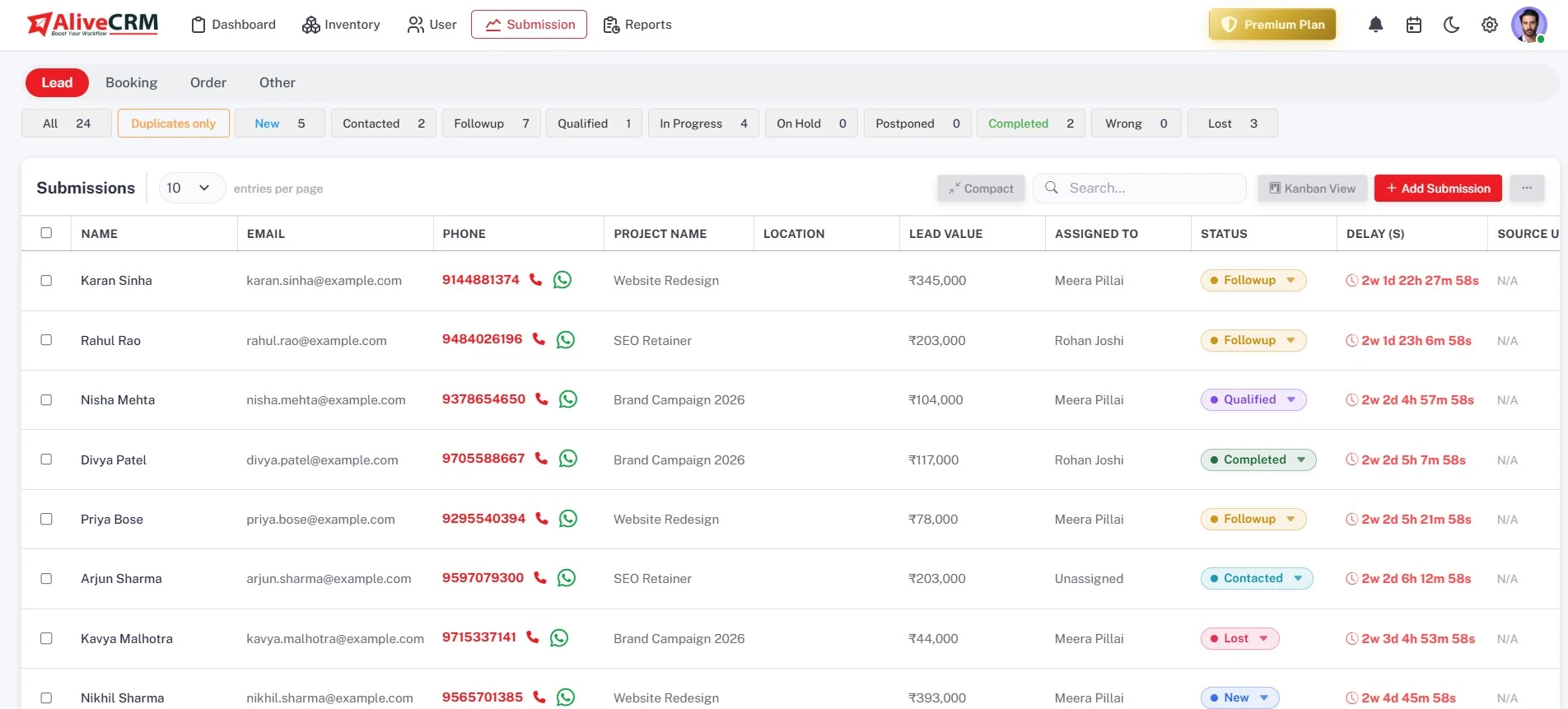
Lead, Booking, Order and Other each keep their own rule. Round-robin takes turns, least busy picks whoever has the fewest open leads of that type, balanced takes turns among the least busy, random picks anyone, and fixed sends everything to one person.
- A rule per lead type
- Round-robin, least busy, balanced, random, fixed or off
- Runs the moment a form is submitted
Teams
The Right Team for Each Product or Project
Attach a team to a product, service or project, and its leads are shared among that team first. With no team on the item, the rule uses the pool you chose, then your active non-admin users. If nobody is eligible, the lead goes to the company admin.
- Item team tried first
- Your chosen pool next
- Company admin as the last fallback
Rahul Sharma
Example Technologies
Fairness
Fair Even When Leads Arrive Together
A short lock around each assignment means two leads arriving seconds apart still go to two different people. If a fixed-user rule points at someone who has been deactivated, AliveCRM falls back to round-robin so new leads keep flowing.
- Lock prevents double assignment
- Fixed rule falls back to round-robin
- Least busy counts only open leads
Rahul Sharma
Example Technologies
Override
Distribution Sets the First Owner, Not the Last
The assignee and company admins get an in-app notification as the lead arrives. A manager can still reassign any lead by hand, one at a time, to cover leave or hand a deal to a specialist, and the new owner is notified too.
- Assignee and admins notified in-app
- Manual reassignment any time
- Notes and history stay on the lead
Rahul Sharma
Example Technologies
Who It Is For
Who Uses Automatic Lead Distribution
Inside sales teams
Several reps answering the same inbound enquiries, who need a fair split without a manager handing out leads every morning.
Real estate developers
Each project has its own sales team, so enquiries for a project go to the people who know it best.
Admission teams
Share course enquiries across counsellors so every student gets a call back, even in the busiest weeks of the year.
Service businesses with specialists
Send each service to the person who delivers it with a fixed rule, and share general enquiries round-robin.
Honest limits
What Lead Distribution Does Not Do
Auto-assignment is on the Basic plan and above. The rules run for leads captured through website forms; a lead you add by hand is assigned by you. Rules do not look at working hours, territory or lead score, so use teams per product, project or service to steer leads instead.
Give Every New Lead an Owner Immediately
Start a 7-day free trial, then turn on auto-assignment with any paid plan.
FAQ
Frequently Asked Questions
You set a rule for each lead type: round-robin, least busy, balanced, random, a fixed user, or off. The rule picks from the team on the product, service or project the lead is about, then from the pool you chose, then from your active non-admin users. If nobody fits, the company admin gets it.
Round-robin takes turns, so everyone gets the same number of new leads. Least busy gives the next lead to whoever has the fewest open leads of that type, which suits teams whose deals take different lengths of time. Balanced combines both: it takes turns among the people tied for fewest.
No. The automatic rules run for leads captured through website forms. A lead you create by hand in the CRM is assigned by you when you add it, so you stay in control of phone and walk-in enquiries that you have already started working.
Every new form lead goes to the company admin, who assigns it to the right person by hand from the lead itself. Auto-assignment is included from the Basic plan, so many teams start with manual assignment and switch on rules once lead volume grows.
Lead distribution is the automatic rule that gives a new web lead its first owner. Lead assignment covers ownership after that: assigning and reassigning by hand, roles that control who can do it, and "self only" visibility. Most teams use both together.