Consulting
CRM for Consultants and Consulting Firms
Keep every referral and website enquiry in one pipeline, with scoping notes on the lead and a reminder to chase every proposal you send.
The short answer
What does a CRM for consultants need to do?
A CRM for consultants needs to hold every client enquiry in one place, keep the notes from each scoping call on the enquiry, and make sure every proposal is followed up until the client signs or says no. AliveCRM does this for solo consultants and consulting firms of up to about 50 people.
Consulting work is usually won through a few long conversations, not a quick sale. The risk is the referral that never gets a reply, or the proposal nobody chases because the partner who sent it got busy on client work.
Where consulting enquiries come from
- Referrals from past clients and partners.
- The contact or "work with us" form on your website.
- Talks, workshops and LinkedIn posts.
- Professional networks and associations.
How It Works
From First Enquiry to Signed Engagement
One owner and one next step on every enquiry.
Capture
Every Enquiry in One Pipeline
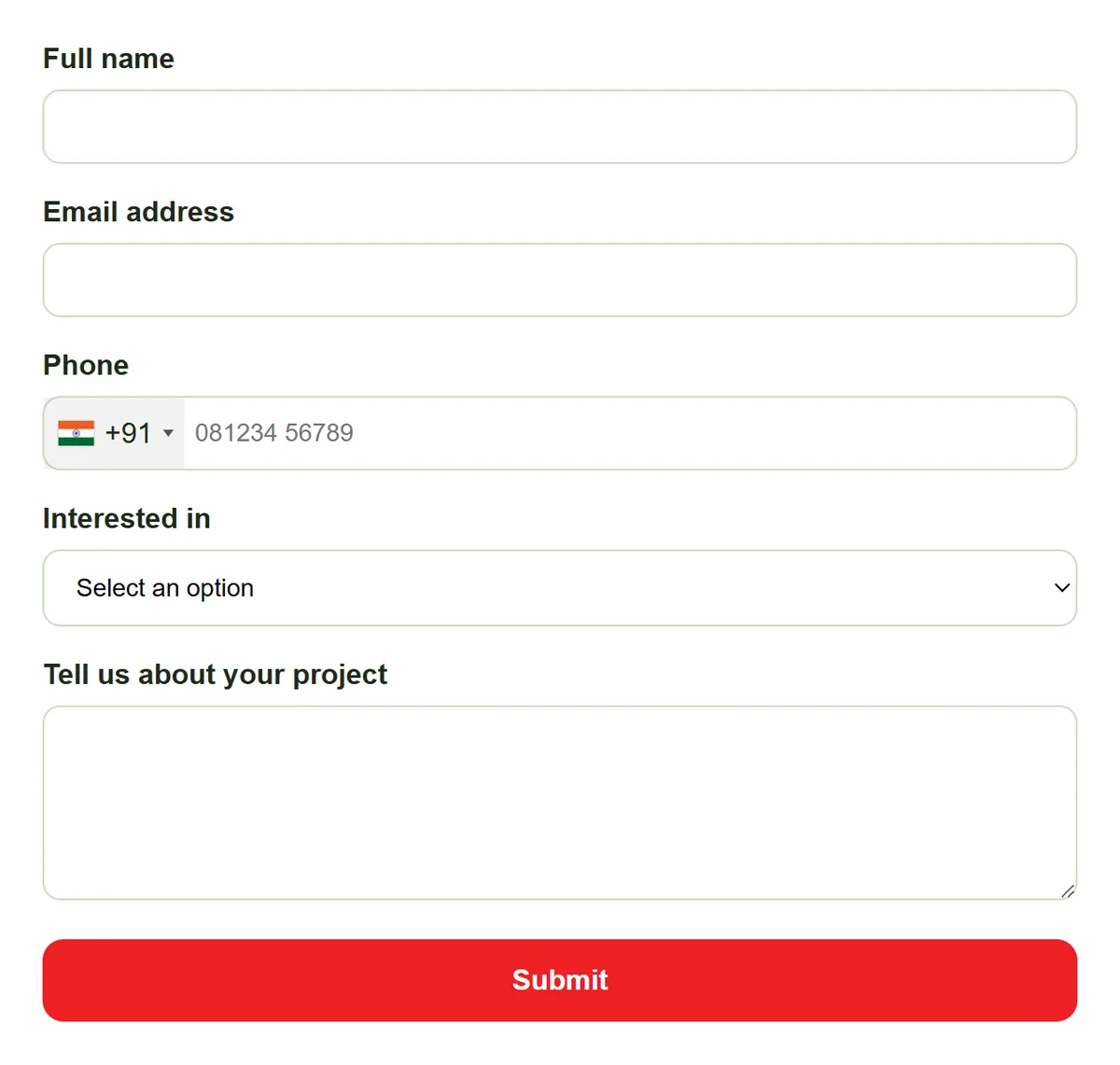
Put an enquiry form on your website with fields for company, role and the problem the client wants solved. Add referrals and event contacts by hand, so a warm introduction sits in the same list as a website enquiry.
- Website form with your own fields
- Referrals added by hand
- Source recorded on every lead
Scope
Scoping Notes on the Enquiry
Write the notes from each scoping call on the lead: the client's goal, budget, timing and who decides. Use statuses such as Scoping, Proposal Sent, Negotiation, Won and Lost, and categories for practice area, so anyone picking up the enquiry knows where it stands.
- Your own statuses
- Categories for practice area
- Notes and status history on the lead
Rahul Sharma
Example Technologies
Proposals
Every Proposal Gets Chased
Set a reminder (Basic plan and above) on the day a proposal goes out, so the follow-up call happens even in a heavy delivery week. On Advance and Premium, attach the fee as a quotation with line items and tax, send it as a PDF and convert it into an invoice when the client signs.
- Reminder on every proposal
- Overdue count on the dashboard
- Quotations and invoices on Advance+
Rahul Sharma
Example Technologies
Report
See Which Relationships Bring Work
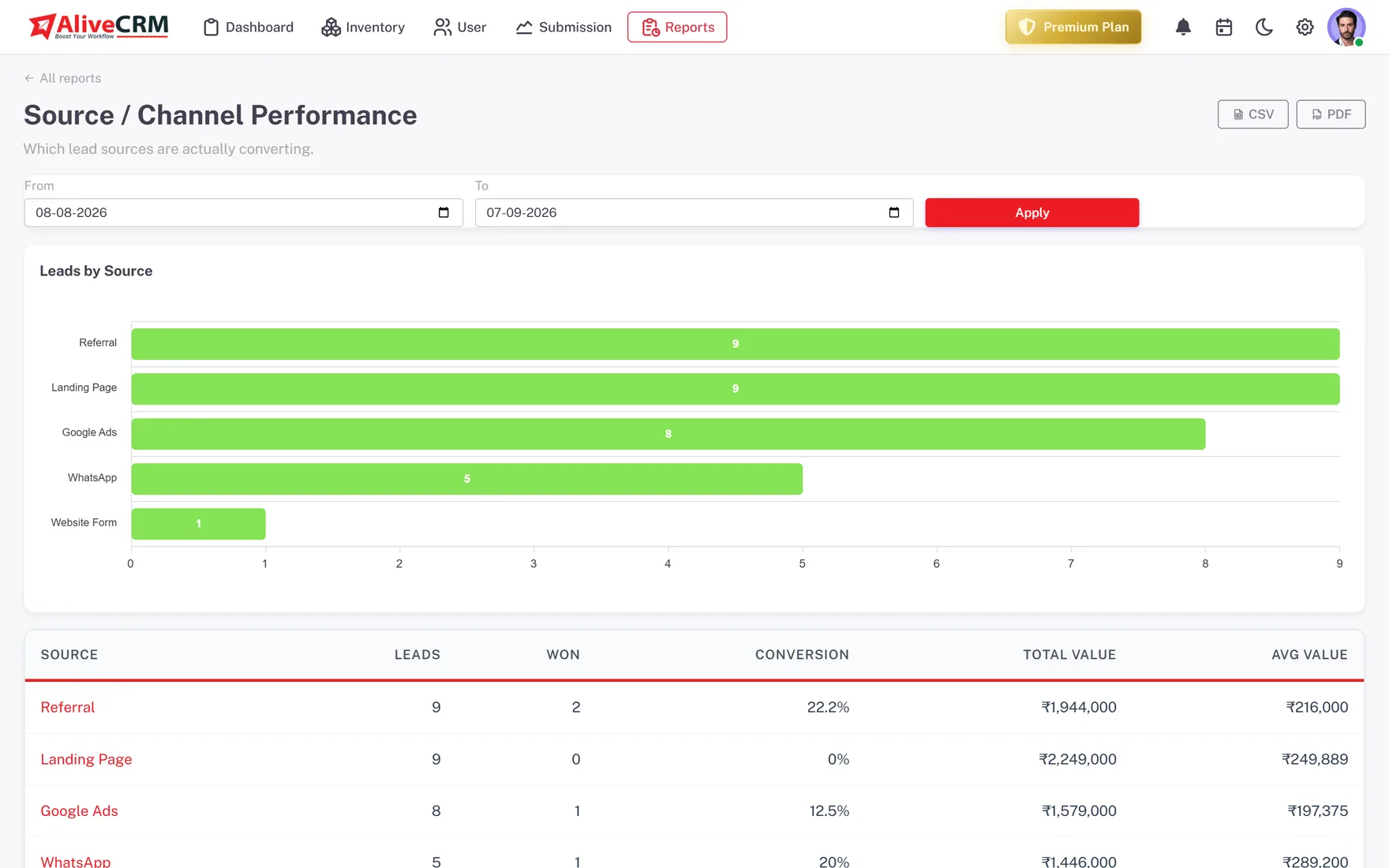
Every lead carries its source. On Advance and Premium, the Source Performance report shows whether referrals, your website or talks bring the engagements that sign, and Sales Rep Performance shows who wins work in a firm with several partners.
- Won count per source
- Wins per partner or consultant
- Lead Pipeline report on every plan
An example month
A Month of New Business at a Small Consultancy
This is an illustration of how a three-partner management consultancy might use AliveCRM, not a customer story.
- Week 1. A past client introduces a finance director by email. A partner adds the contact as a lead with the source set to Referral.
- Week 1. After the scoping call, the partner writes notes on the budget and decision date and moves the lead to Scoping.
- Week 2. The proposal goes out, the status moves to Proposal Sent and a reminder is set for one week later.
- Week 3. The reminder fires during a busy client week. The partner calls, and the client asks for a smaller first phase.
- Week 4. A revised quotation is accepted, it becomes an invoice and the lead moves to Won.
Who It Is For
Consultants Who Use AliveCRM
Independent consultants
One person selling and delivering, who needs every enquiry and proposal follow-up out of their head and into one list.
Management and strategy firms
Several partners bringing in work, each with their own enquiries, and a shared view of what is in the pipeline.
IT and technology consultants
Project enquiries scoped on a call, quoted with line items and chased until the statement of work is signed.
HR, finance and compliance advisers
Advisory enquiries from referrals and the website, with notes kept on the lead across long decision cycles.
Honest limits
What AliveCRM Does Not Do for Consultants
AliveCRM manages winning the work, not doing it. It has no timesheets, engagement task tracking, retainer billing, contract e-signature or client portal, and it does not send email campaigns or newsletters. Keep your delivery tools and use AliveCRM from the first enquiry to the signed engagement.
Never Let a Proposal Go Quiet Again
Start a 7-day free trial and add the enquiry form to your website.
FAQ
Frequently Asked Questions
Yes, if your main need is keeping track of enquiries and proposals. One person can use it to log referrals, keep scoping notes and get reminded to chase every proposal. It stays simple because it does not try to run your projects, timesheets or billing for client work.
Add them as a lead by hand with the source set to Referral and a note on who introduced them. They then sit in the same list as website enquiries, with the same statuses and reminders, and on Advance and Premium the Source Performance report counts how many referrals turn into work.
On the Advance and Premium plans you can build a quotation from the lead with line items and tax, download it as a PDF and convert it into an invoice once the client accepts. Most consultants still write the full proposal document in their usual tool and attach the fee here.
Yes. Turn on "self only" for a role and people in that role see only the leads assigned to them. Admins still see everything, which helps when one partner covers for another or when the firm reviews the whole pipeline together.